Music videos
Music videos
How to turn stills or photographs into a music video for your own songs, and how to make a private karaoke version with separated vocals and burned-in lyrics.
You can turn stills or photographs into a music video for your own songs. You can also make videos for songs by bands and singers you love, with an important catch I will come to in a moment.
The method is the same idea I use on pics2vids for memorial films, celebration clips and short promos: pick the pictures, time them to the track, give each still some motion, then cut and export a version that fits the platform. A music video just has a stricter clock. The chorus has to hit, the words have to land, and a three-minute song will expose repetition that a thirty-second clip can hide.
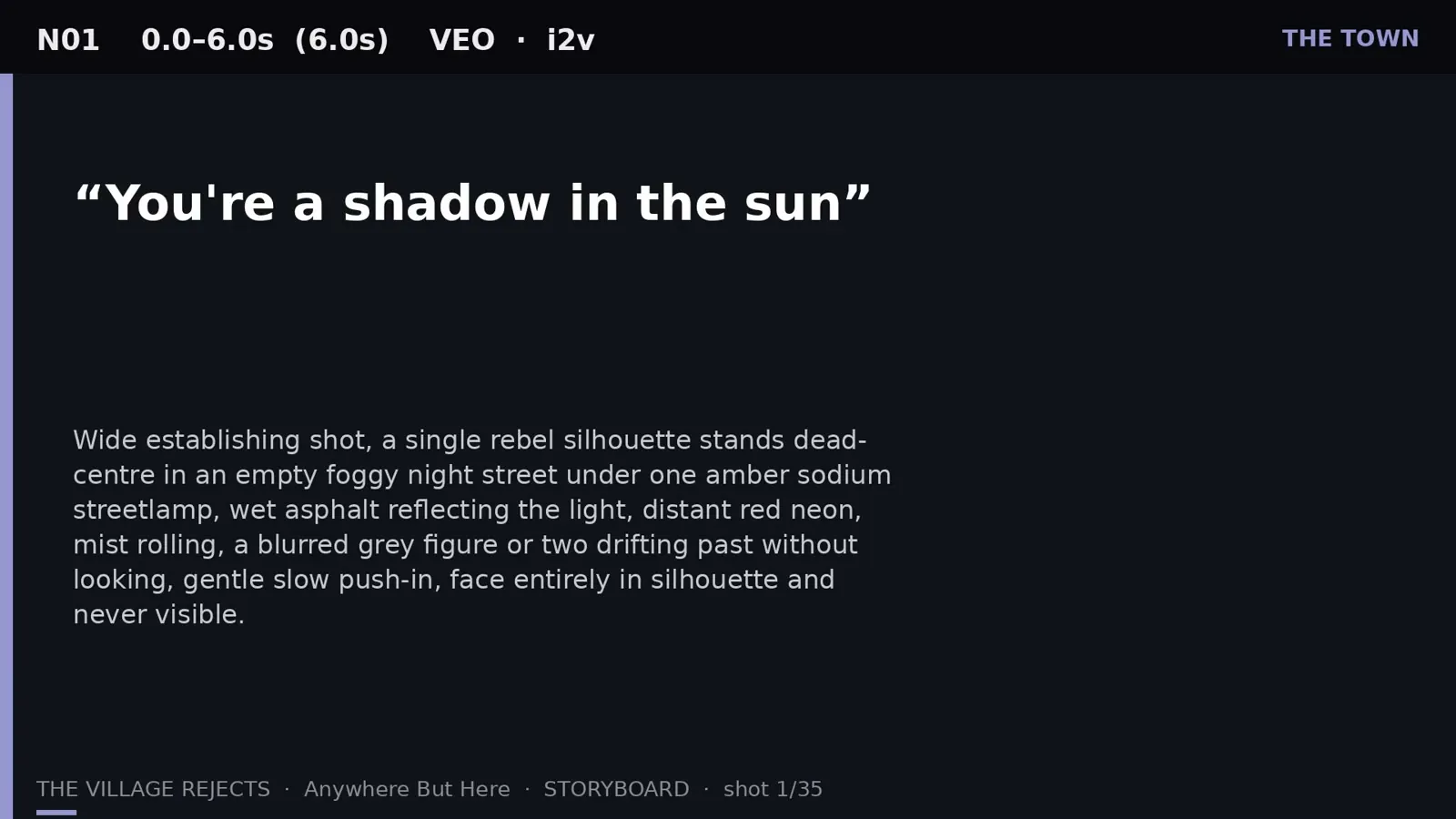
If you write your own music, this is a practical way to get a finished video without a film crew. Start with photographs, artwork or generated stills, then use an image-to-video tool to animate each one. I walked through a real example, the official video for The Village Rejects’ “Anywhere But Here”, in How we made a music video from stills with AI. That film was timed to the vocal, generated shot by shot, cut to the song, and packaged for YouTube and Instagram. You can listen to or buy “Anywhere But Here” by The Village Rejects on Bandcamp.
The same pipeline is also useful for karaoke. On that video I separated the vocal from the mix with Demucs, aligned the words, and burned timed lyrics over the cut. Do that on a backing track, or on the instrumental stem, and you have a version you can sing to, with the words on screen at the right moment. You do not need a custom script for that last step: tools such as CapCut or Kapwing will burn captions once the timings are in place.
A plain caution, not legal advice. Fan videos of other artists’ songs are fine for personal use, but publishing them can trigger copyright claims. AI likenesses of real singers can breach platform rules or the artist’s rights, so use your own music, licensed or royalty-free tracks, or keep fan and karaoke videos private.
For a simpler starting point than the custom pipeline in the walkthrough, see the reviews of Runway, Luma AI and Photos To Video AI.