Less guesswork. More creating.
Still photos.
Moving
stories.
pics2vids is an independent UK guide to the AI tools that turn photos into video. Where I have run a tool, you see my own clips, the prompt and what it cost. Where I haven’t, the page says so.
Plans, side by side
Compare the tools
This table lists only the tools I have a paid partnership with. Every Try button here is a paid link, and each partner is marked Ad where it first appears on this page: if you buy through one, I may earn a commission. You pay the same price. This order is not a ranking, and I don’t score the tools. How this site is funded.
| Tool | Best for | Free plan or trial | Starting price | Links |
|---|---|---|---|---|
 Phot.AI Ad | Editing and enhancing product and ad photos. | See site | From $41 a month, billed yearly | See plans and limits Try Phot.AI (opens in a new tab) |
 Movavi Ad | A desktop editor for a film made from photos and clips, with ready-made Templates. | Free download, with limits | See site | See plans and limits Try Movavi (opens in a new tab) |
 Synthesia Ad | An AI presenter that reads a script. | Free plan: 10 minutes a month, with a watermark | Starter $19 a month, or $14 billed yearly | See plans and limits Try Synthesia (opens in a new tab) |
 Higgsfield Ad | Animating one photo, with a choice of models. | See site | See site | Read my review Try Higgsfield (opens in a new tab) |
 Pollo AI Ad | Trying one photo on many video models. | See site | See site | See plans and limits Try Pollo AI (opens in a new tab) |
 Fliki Ad | A narrated video from a script you have written. | Free plan: 3 credits a month, with a watermark | See site | See plans and limits Try Fliki (opens in a new tab) |
 VoiceWave Ad | A voiceover you pay for once. | No free plan | From $59, one-off | See plans and limits Try VoiceWave (opens in a new tab) |
 ArtSpace Ad | Restoring, colourising or upscaling a photo before the video. | 7-day trial on monthly plans | From $9 a month | See plans and limits Try ArtSpace (opens in a new tab) |
 Let’s Enhance Ad | Making a small, soft or damaged photo big and clean enough for a screen, before it goes into an editor or a video generator. | No free plan; free credits to try, with a watermark | See site | See plans and limits Try Let’s Enhance (opens in a new tab) |
01 / Start with an idea
What will you make?
Memorials and tributes
Find your starting point
Birthdays and anniversaries
Find your starting point
Product and property videos
Find your starting point
Social clips
Find your starting point
Illustrative imagery. Explore each guide for the workflow and real examples.
02 / Choose your toolkit
The tools behind
the possibilities.
The creative toolkit
Three ways to start creating
03 / From the creative notebook
Made with AI.
Made to be watched.
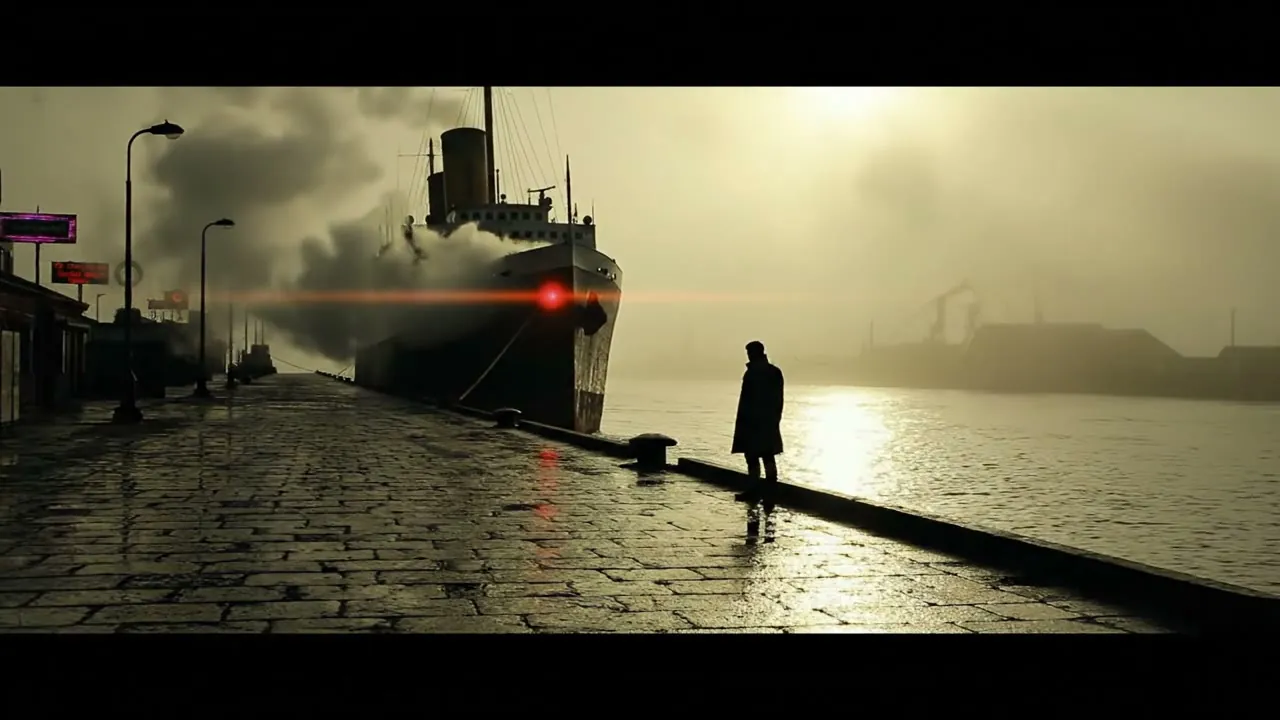
The Village Rejects / Music video
One song.
An entire world.
Inside “Anywhere But Here”: the images, the prompts and the decisions that turned an idea into a music video.
Go behind the scenes ↗A real project, with the process laid out.
04 / A little direction goes a long way
Skip the guesswork.
Start making.
- 01
Guide / 24 November 2026
A dedicated camera for AI photo-to-video: what bigger sensors and real lenses add
What a dedicated camera and larger optics give you over a phone, as the camera makers describe them: bigger sensors, sharper detail, natural background blur, better low light, optical zoom, interchangeable lenses and RAW. Why a better source photo helps an AI clip, and which kit fits what you film.
- 02
Guide / 16 November 2026
How to make a Christmas film from old family photos
Twenty-five to 40 old family photos, held still in CapCut’s free editor, make a two to four minute Christmas film. Scanning, order, music, export and sharing.
- 03
Guide / 16 November 2026
How to make a photo tribute video for a UK crematorium
Four UK crematorium price lists I checked charge £25 to £38 to play a family-made film. How to make one that fits the screen, the deadline and the music rules.
Picture + voice + atmosphere
Meet Little Haven.
A fictional village, AI-generated stills, and a soundtrack made with ElevenLabs. See how the ingredients come together in our own short film.
Explore the process ↗Three questions
Which tool should you open?
A starting point, matched to what you want to make. The first answer is the best fit for the job, not the one that pays me.
Independent advice. Creative possibilities.
Your next film
starts with one photo.
Explore the tools ↗Clear limitations. Dated pricing. Affiliate links labelled.
Meet Adrian · How this site is funded