Music videos · 14 November 2026
How we made a music video from stills with AI: a real walkthrough
A first-person walkthrough of the official video for The Village Rejects’ Anywhere But Here: timing stills to the song, generating the clips, fixing a repetitive first cut, and exporting the film.
How we made a music video from stills with AI: a real walkthrough
The official video for The Village Rejects’ “Anywhere But Here”, and the actual steps, tools and mistakes behind it.
This is not a polished “ten tips” post. It is a walkthrough of a real music video I made for my band, The Village Rejects, using AI image-to-video and text-to-video, then cutting the clips to the song.
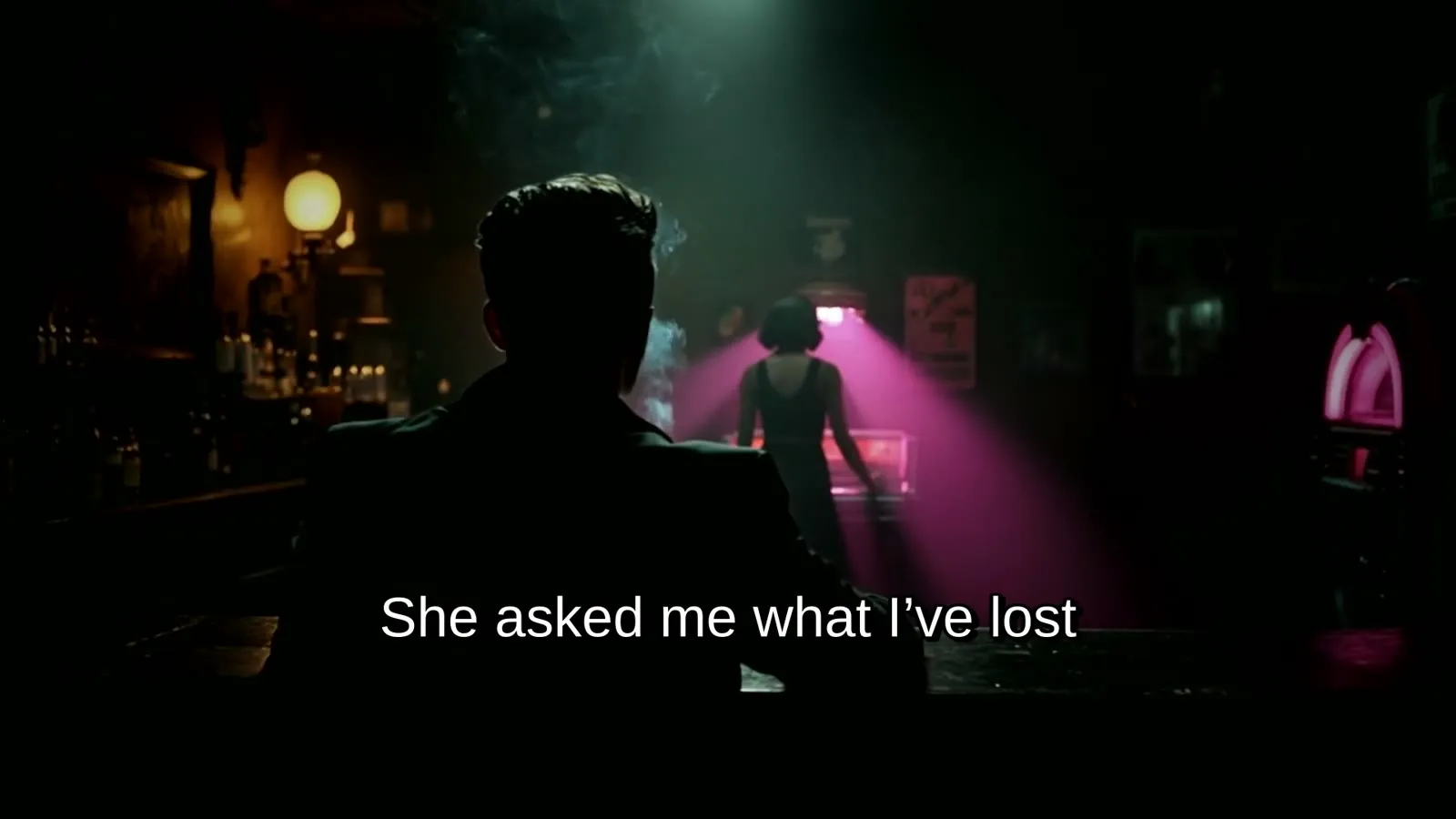
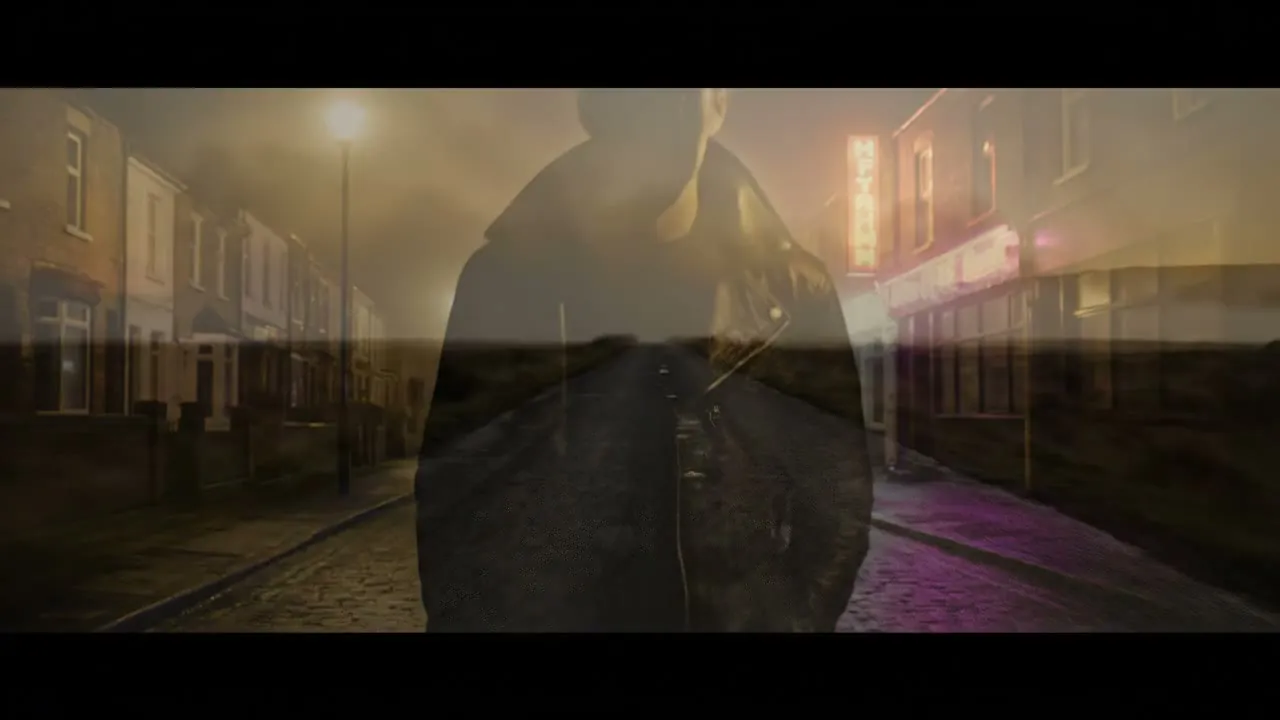
The film is three minutes 33 seconds long. The concept is called Thin As Air: a lone 1950s rebel, always a silhouette, drifting through a foggy neon town, with every “anywhere but here” cutting hard to an open road. Faces are never shown. That is a brand rule, and it is also what the song is about: being present and still invisible.
I am publishing this on pics2vids because the same decisions come up whether you are making a memorial film, a birthday clip or a small-business promo: time the pictures to the audio, keep a character consistent, throw away bad takes, and export a version that actually fits the platform. This article sits in the Music videos category.
Listen to or buy “Anywhere But Here” by The Village Rejects on Bandcamp.
The pipeline in brief
This is what I did, in order:
- Start from the finished song (a 3:33 WAV) and lock lyric timings by separating the vocal and aligning the words.
- Write a treatment and a 35-shot list, timed to those lyrics, then pressure-test the plan before spending on generation.
- Build a small set of reference stills and brand assets so the figure and the locations stay consistent.
- Generate one clip per shot with Kling 3.0 Pro or Veo 3.1, some from a still (image-to-video) and some from text only.
- Watch the first cut, throw away the takes that drifted, and re-stage the shots that did not follow the lyric.
- Assemble the clips in a scripted edit: grade, hard cuts on the chorus hook, short fades everywhere else, then mux the original audio.
- Add burned-in lyrics as a second master, plus a silent title intro, end cards, and Instagram crops.
A first cut was assembled in July 2026. The revised cut, titles and social exports were done in October 2026. The finished film is on YouTube.
The song, and why the pictures hide the face
“Anywhere But Here” is an introspective rock song about dissociation and invisibility: inner turmoil that lasts even when someone is trying to help, and a repeated wish to be somewhere else, with no real destination. The hook is: I really, really wish I could be / Anywhere but here.
The Village Rejects are a Shumen-based collective built around my lyrics and a rotating cast of guest guitarists and singers. Because the singer changes, no single face represents the band. The on-screen persona had to stay anonymous. The lyric already pointed the same way: “a shadow in the sun”, “thin as air”, “you looked right through”. A silhouette is not a workaround for inconsistent AI faces. It is the idea.
The song was released on 12 March 2026. It is on Bandcamp and the usual streaming outlets. The official video is also embedded on my WhatChan about page.

1. Time the pictures to the vocal, not to a guess
The master is a 3:33, 48 kHz WAV. The film is cut to 213 seconds, so the pictures land on the real vocal, not on a rough guess from the lyric sheet.
The timing was locked in one pass:
- Split the mix into a vocal stem with Demucs (
--two-stems=vocals). - Downmix that stem to a 16 kHz mono file.
- Run Whisper against it.
- Save the aligned lines in a lyrics file, then cut the shot list to those times.
I got a 94% match on that alignment. Shot lengths ended up between about 5 and 9 seconds, 35 shots in total. That lyrics file later drove the burned-in captions as well, so the words on screen are the same timings the pictures were cut to.
If you only remember one thing from this stage: do the timing first. Generating 35 clips and then discovering the chorus hits a second late is an expensive way to learn it.
2. Write the film on paper before you generate anything
The concept is two worlds:
- The town is the trap: foggy neon streets, the bar, the rain, a shadow nobody sees.
- The road is the wish: every “anywhere but here” hard-cuts to the edge of town, an open road, the moors, a departure. The escape never holds, until the ending, when he simply walks out into fog and the frame fades to white.
The visual rules were locked before a single paid clip was generated. The figure is a 1950s rebel: quiff, collar-up jacket, cigarette, always a silhouette or in deep shadow. The palette is desaturated olive, deep black, amber sodium light, with magenta and red neon reserved as a colour code. The ending stays unresolved on purpose.
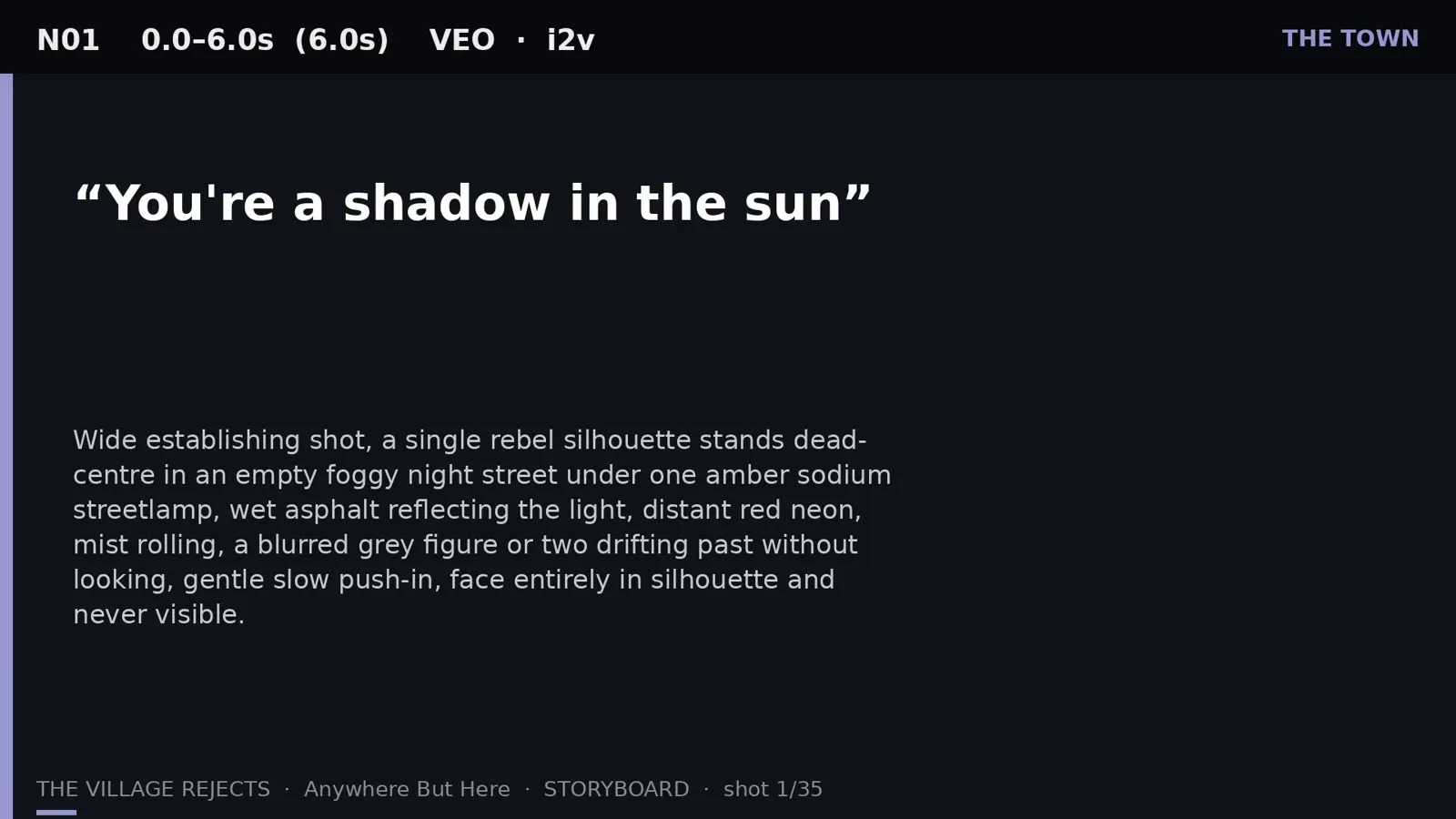
The 35-shot list is the creative map. Each shot has a start and end time, a model, a “world” (town, road, interior, or her), a cut type, and a lyric anchor. Five of those shots are hard cuts onto the hook: N08, N10, N18, N20 and N23. Everything else dips through black for about 0.18 seconds.
Before I spent on a full generation run, the treatment was read from a creative-director and music-video-director point of view. The verdict was 7/10: the central idea was strong, but the middle repeated itself, a few lyrics were illustrated too literally (a burning map, a spinning clock, a silent scream), and a “thinning until he becomes transparent” trick was used so often it would have had nothing left for the ending. Five changes were applied to the shot list before the full run:
- Re-conceive a duplicate “warmth stops at his outline” shot as a movement shot instead.
- Lock the colour system: amber is the town’s false warmth; magenta is her; the road is grey-gold with no neon; white is the end.
- Use full transparency once, as the signature image, and only hint at it elsewhere.
- De-literalise the burning map and drop the spinning clock.
- Vary scale and camera in the two monotony zones, including the closing walk.
I also built a storyboard video of storyboard cards over the real track, so the film could be watched as a plan before it cost anything to generate.
3. Source stills and assets: one picture cannot play every location
This is the honest bit, because pics2vids is a guide to turning photographs into video, and this film did not start from a shoebox of personal photos.
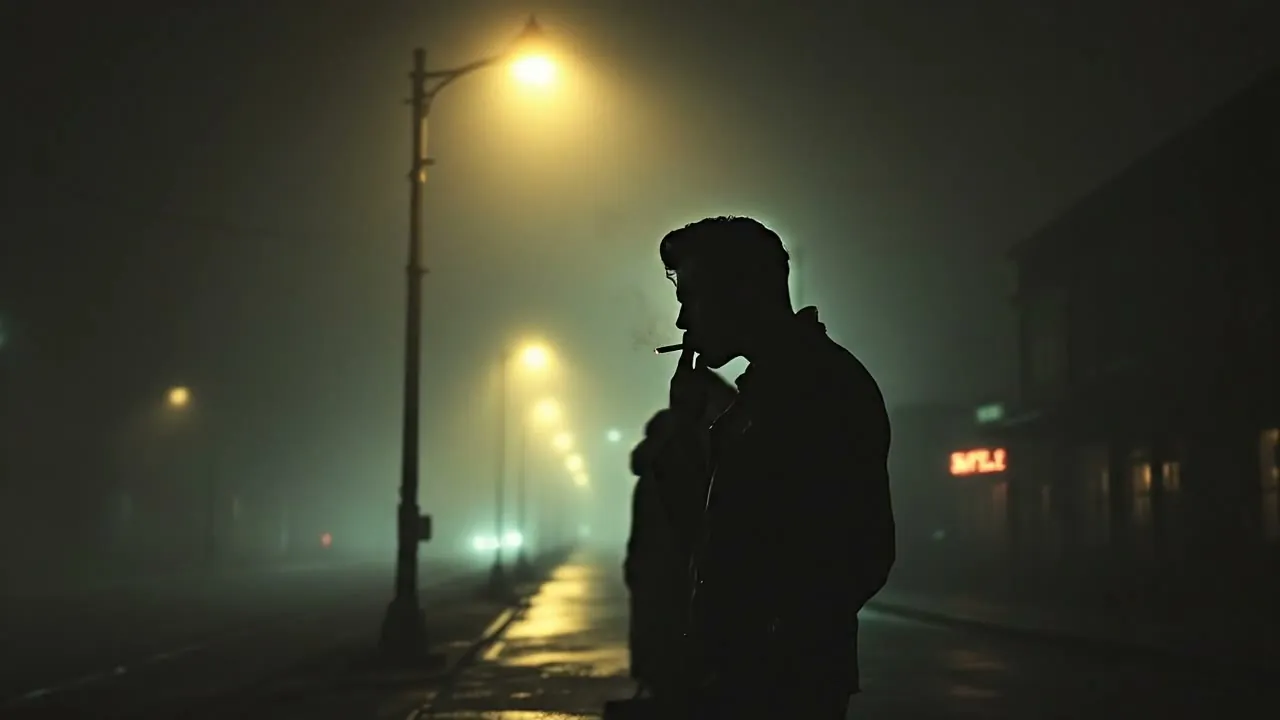
The character and locations were held together with reference stills, then animated with image-to-video where the still matched the place. Those stills were generated with Flux Pro 1.1:
- him, in the street
- her, in a doorway
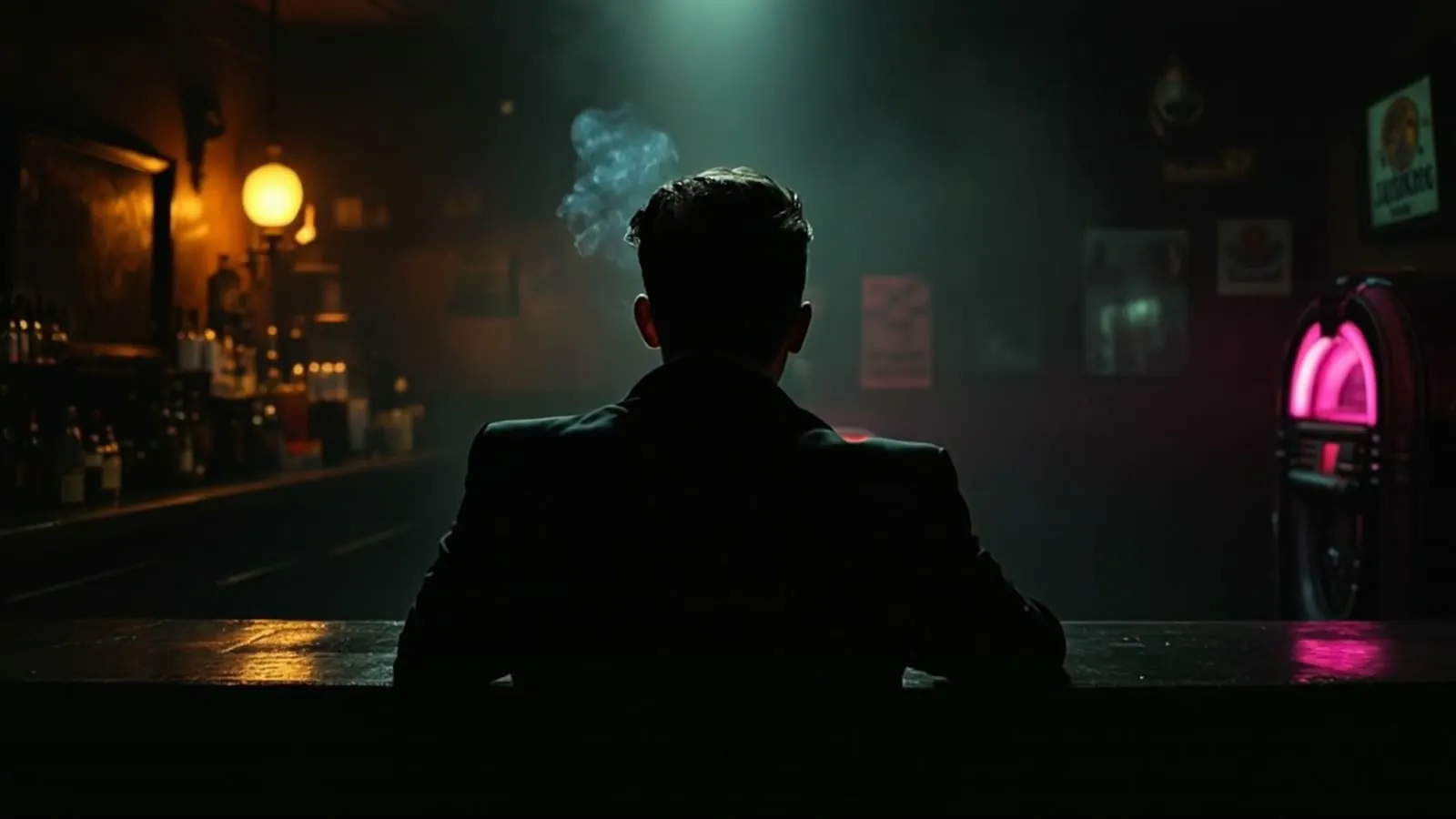
- the bar
- the room
Brand assets were taken from existing artwork: the wordmark above, keyed from the Baba Bar album art, and the compass single cover for the end cards.
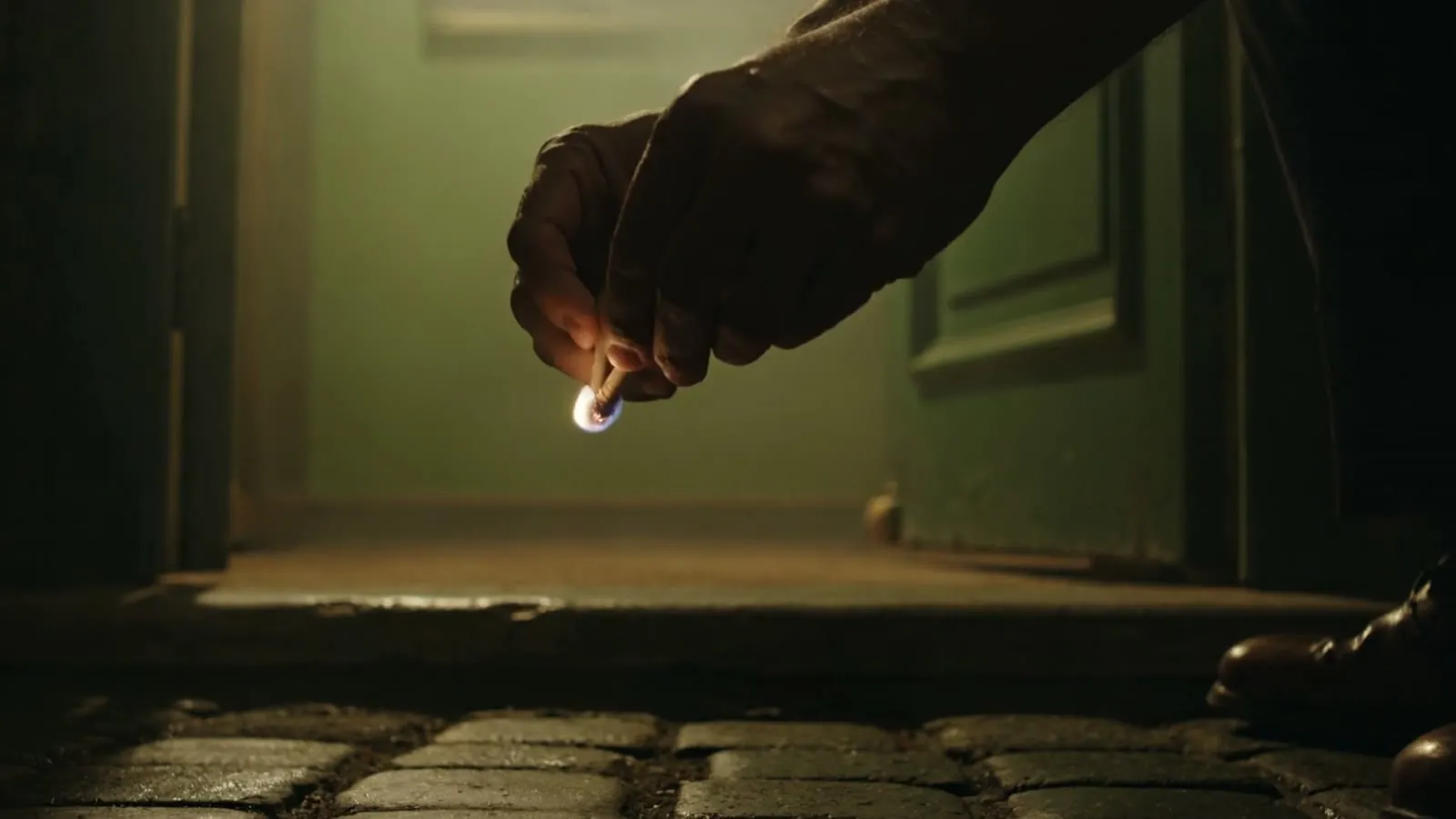
Image-to-video was only used where the reference matched the location. Close figures were staged from behind. Shots of the open road were mostly text-to-video, because there was no still that could honestly stand in for that world.
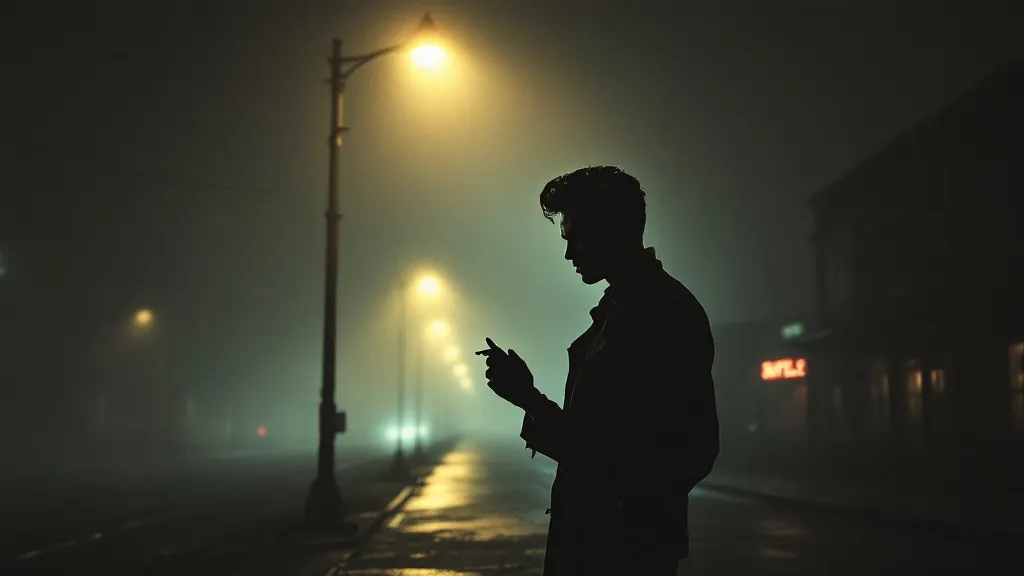
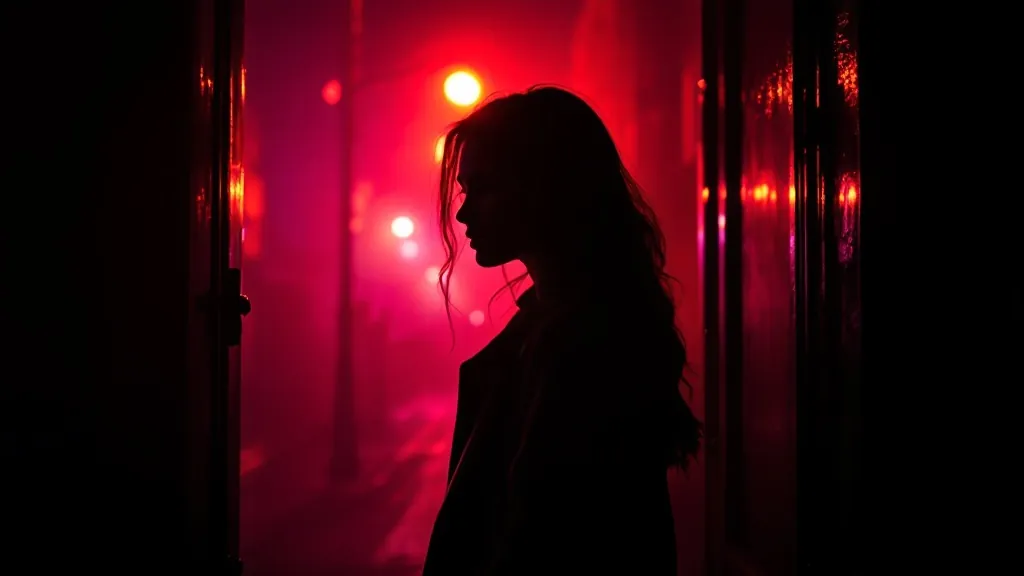
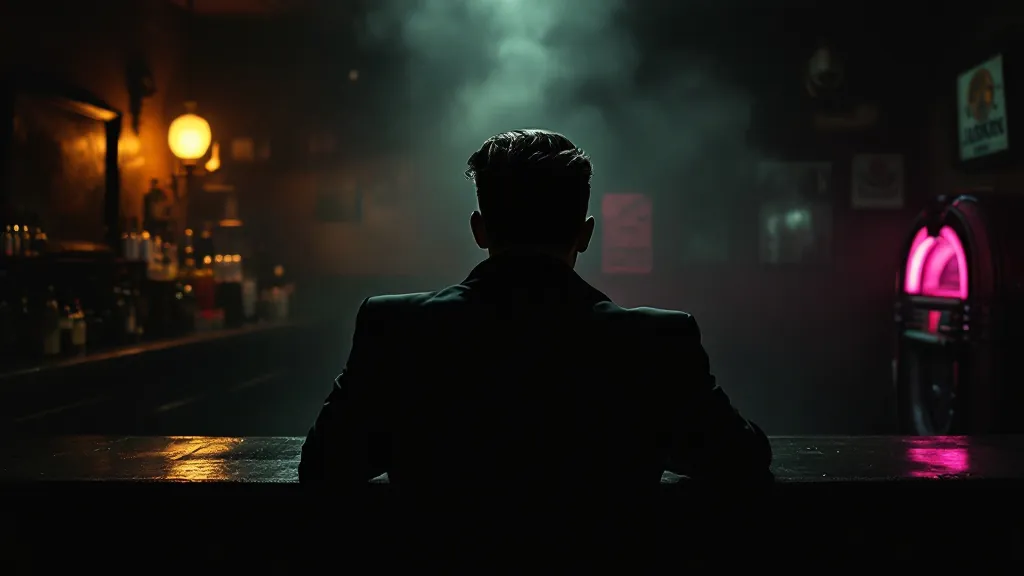
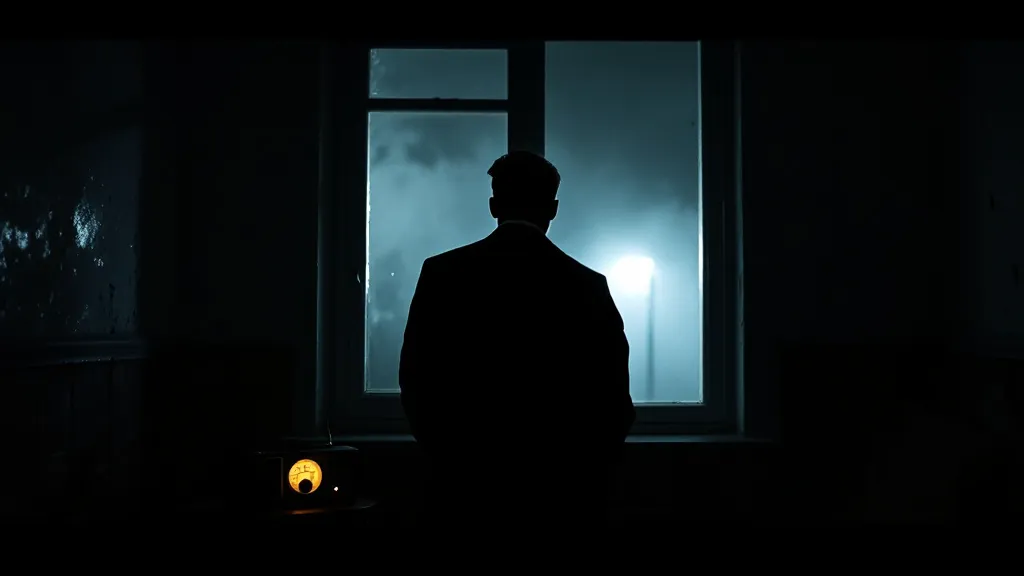
That distinction matters for anyone following along with their own pictures. If you do have real photographs, those are your reference stills. The mistake to avoid is the one I made on the first cut: using a single streetlamp portrait as the start image for almost every shot, including scenes that were supposed to be inside a bar.
4. Generate one clip per shot, with the audio off
The clips were generated through fal.ai, not by typing into a consumer app and hoping for a finished film.
For the revised cut, moving-image shots used:
- Kling 3.0 Pro for most town and interior shots, including the image-to-video ones. Clips were requested at exact lengths between 3 and 15 seconds, with the start image sent for image-to-video, built-in audio turned off, and
cfg_scaleset to 0.5. - Veo 3.1 for the road shots and some of the image-to-video town and her shots, including the opening and the last lamp at dawn.
A direct Kling.ai account was considered and rejected: the per-second price was the same, and the credits expired every month. Staying on fal.ai kept billing in one place.
Each shot carried its own “world” prompt and a negative prompt, instead of one global style line pasted onto everything. Magenta was kept out of the non-her negatives, so her colour did not leak into the town or the road.
A two-shot test was run first, to prove the keys, the model endpoints and the image-to-video path, before the full 35-shot run. A pre-flight check had already caught contract bugs (Veo needed a duration like "8s", not "8", and the Kling image-to-video endpoint rejected an aspect-ratio field) and tightened seven prompts that would have lit a face.
What I actually spent on this project, not a price list:
- A two-shot test plus one early re-roll of shot N08 came to about $5.
- The first full run was about $35.
- The October revision used about $17.60 of a $25 top-up: 111 seconds of Kling for the 14 re-staged shots, 23 seconds of Kling for the title plates, 16 seconds of Veo, and two Flux reference stills.
- The two title plates themselves took one pass, at about $2.62.
These are the figures I recorded in 2026, not current list prices. Your provider’s billing dashboard is the place to confirm the exact figure.
5. The first cut was finished, and it was repetitive
All 35 clips were generated and assembled in July 2026: a clean 1080p24 master and a matching lyrics master, both 212.9 seconds, h264 and AAC, about 135 MB.
Then I watched it. The note in the handover is blunt: the first cut was “a bit repetitive”, and the scenes needed to “follow the lyrics more”.
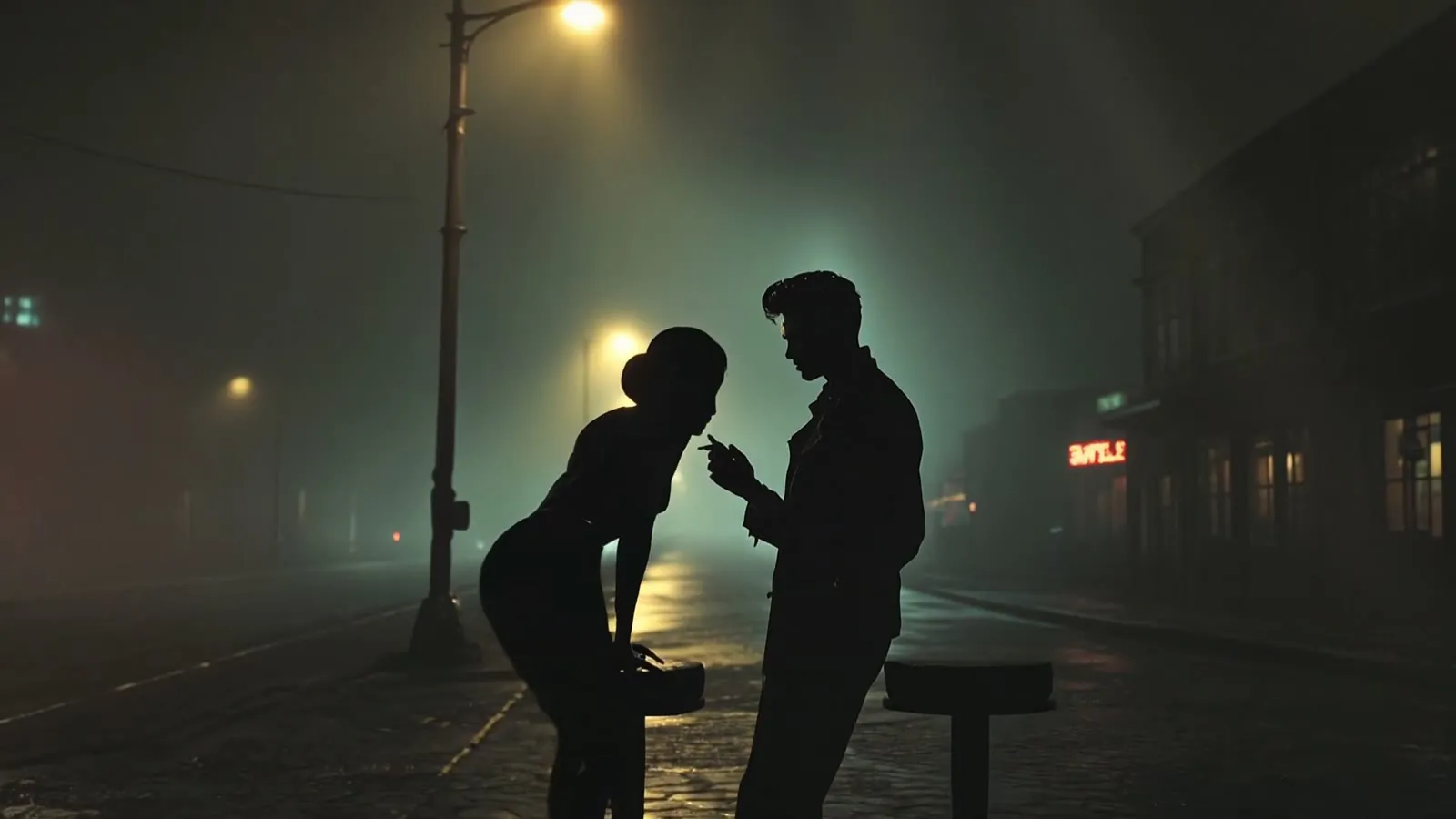
The root cause was not a mystery. Seventeen of the 19 image-to-video shots had started from the same streetlamp still. That start image overrode the prompts, so a bar table arrived in the street. One global style string also pushed town and neon into every shot, including the road, which was supposed to be chromatically starved.
The clearest example is shot N11, which was meant to be a bar jukebox dolly. In the first cut it is still the street, with two silhouettes under the lamp.
Other things the first pass taught me, the hard way:
- Veo’s road shots drifted back into town, and treated the words “match cut” as a visual transition to animate. The fix was to lock the first frame in the prompt (“the very first frame is already [this scene], no scene change, no cut, no transition”), add per-shot negatives, and trim a bad run-up in the edit. The empty-road shot N08 still uses a 2.2-second in-point, so the assembler starts on the clean tail rather than the messy arrival.
- Telling the model “silhouette” does not reliably hide a face. On a close figure, stage the shot from behind. The phone-box shot was re-staged that way after two takes in which Kling kept lighting his face.
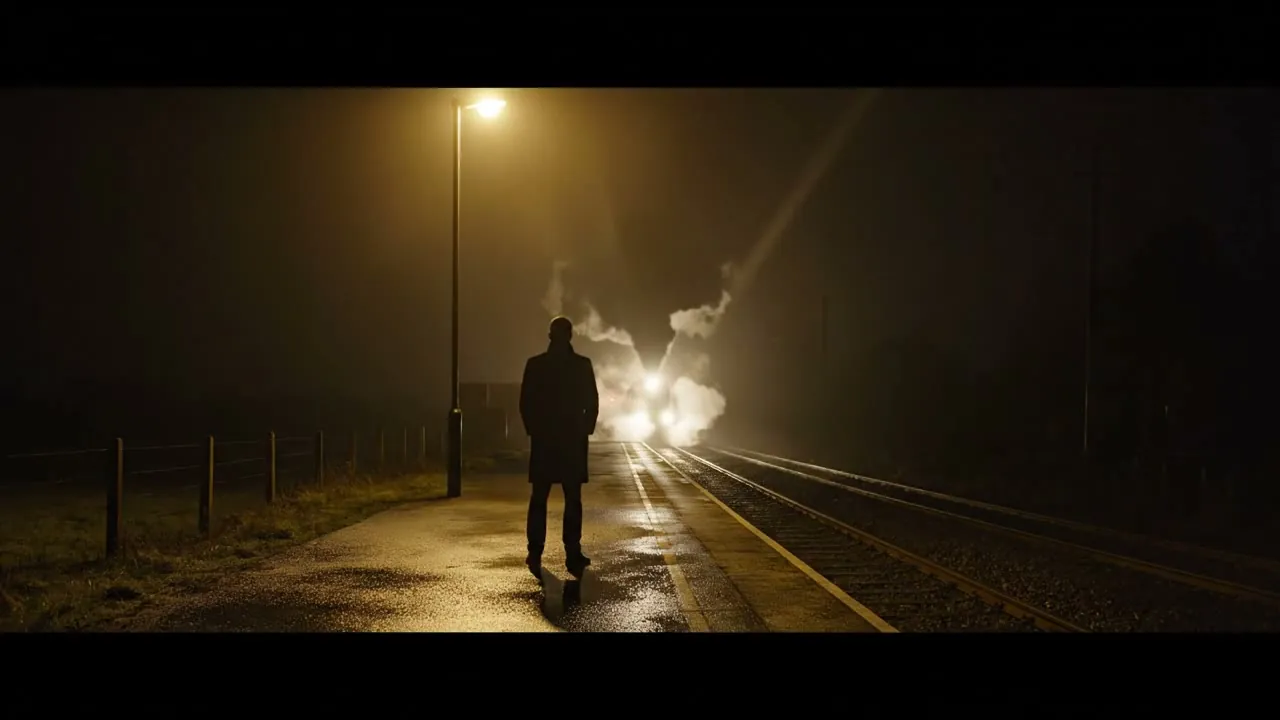
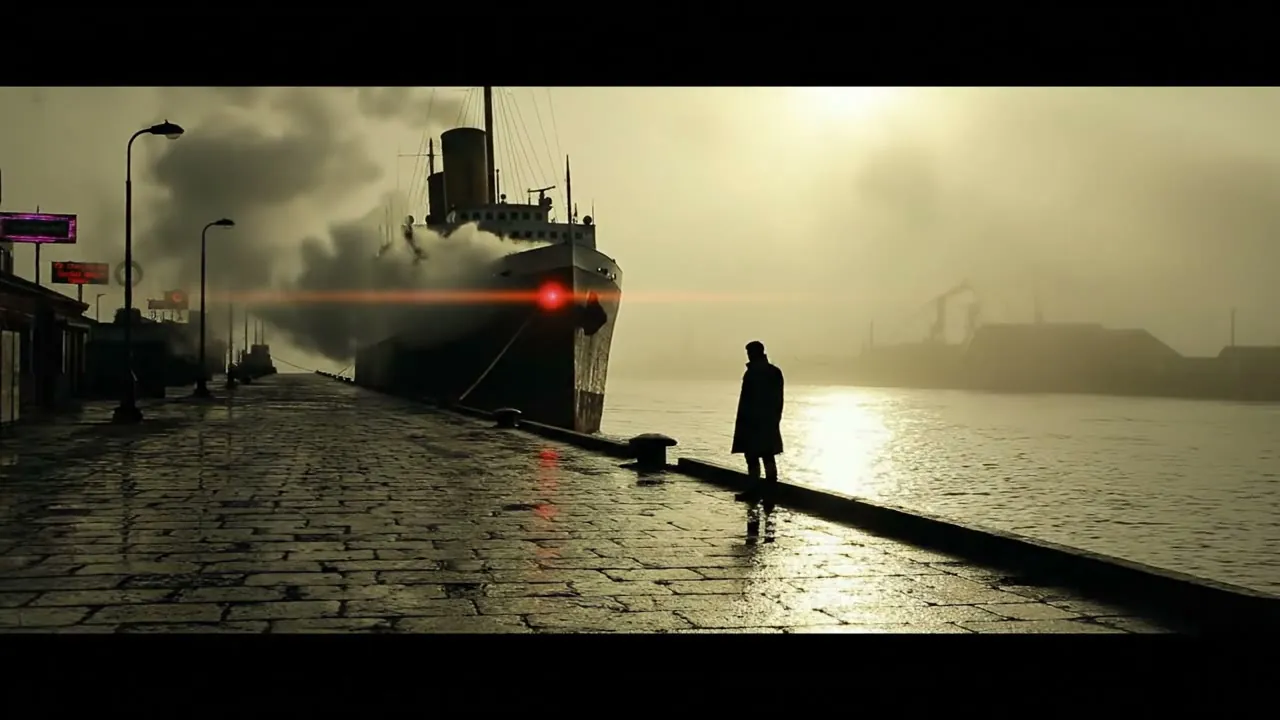
- Kling could not make a real montage. The instrumental escape sequence (N21) was cut in the edit, for free, from existing road, train, plane and boat clips, in four slices of 1.6 seconds. The model’s own montage attempt was parked and not used.
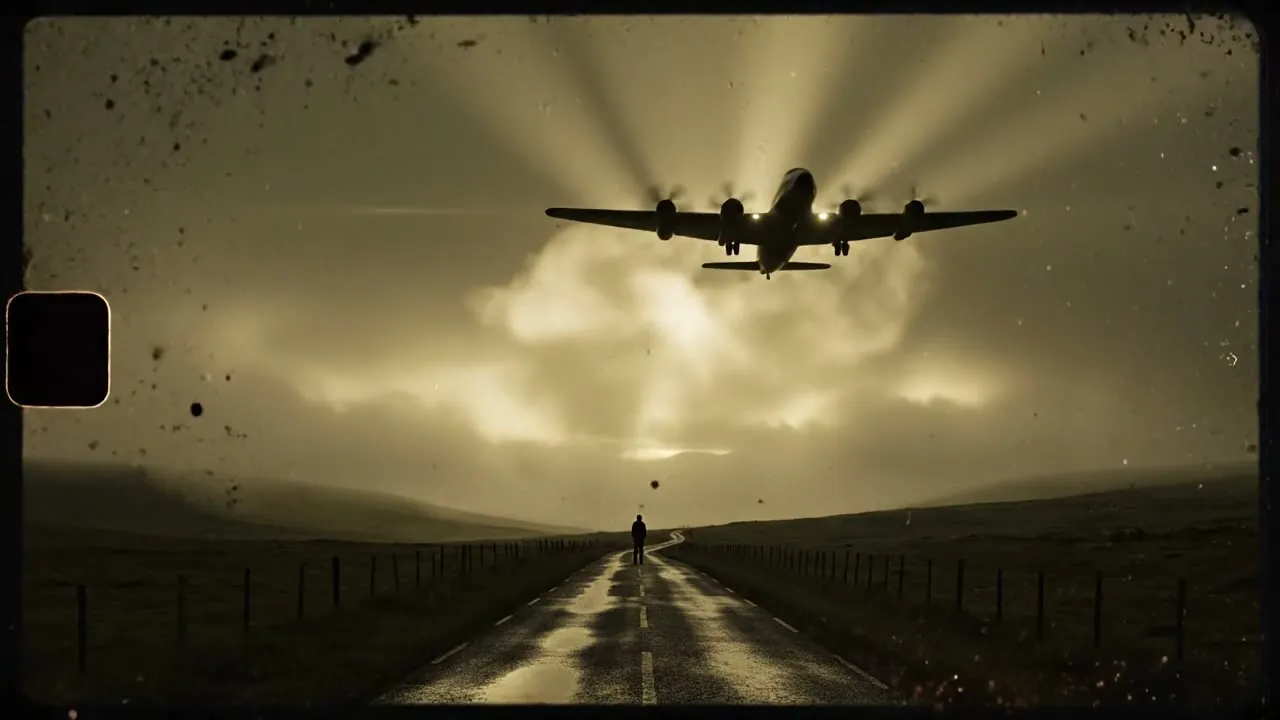
- Escape imagery had to change each chorus, or the hook went stale. Chorus 1 stays on the road (the signature). Chorus 2 became a 1950s prop airliner climbing over the moor, with a tiny silhouette watching it leave. Chorus 3 became a steamer leaving a fog-bound harbour. A steam train was already in the second-chorus stretch. The last three shots stay a plain walk: every vehicle has left without him, and he just keeps walking.
6. Re-roll what missed, and keep a paper trail of the rejects
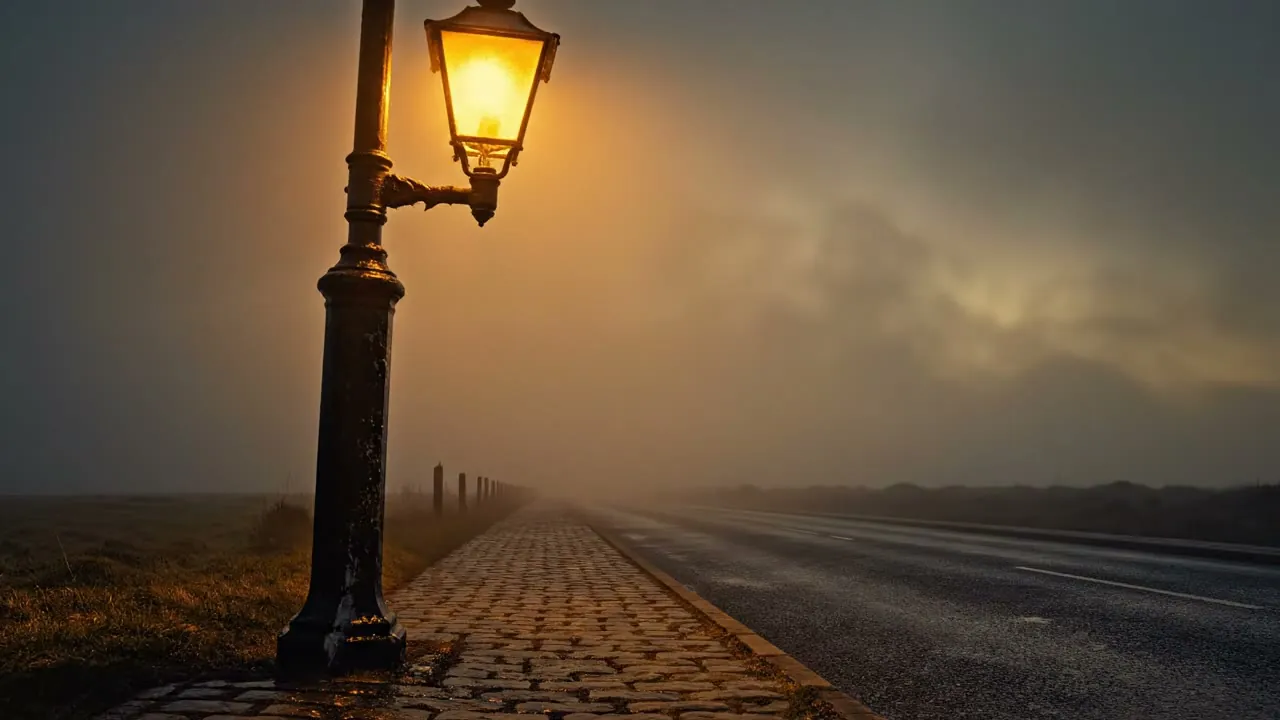
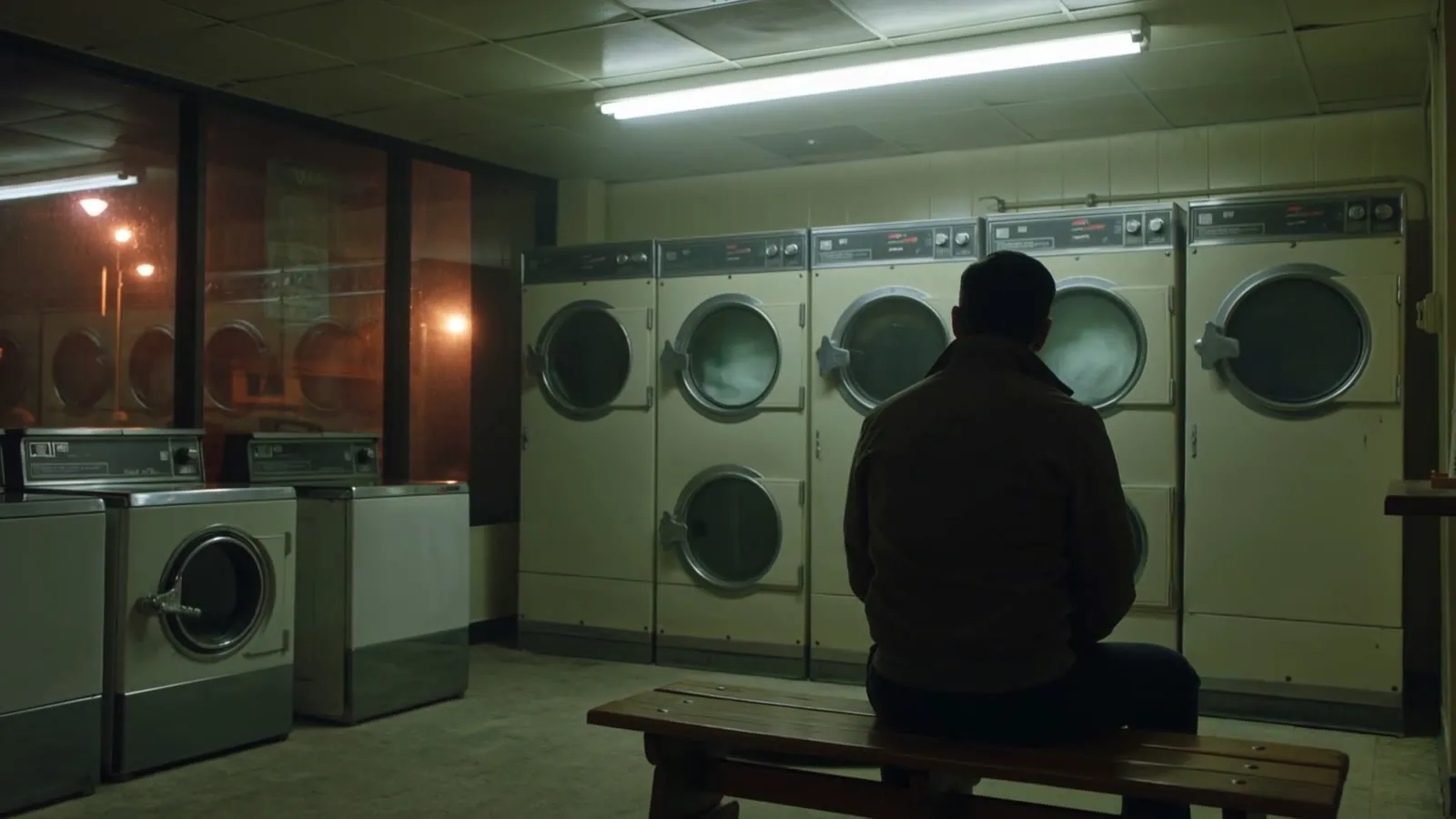
Fourteen shots were re-staged in October so the picture followed the lyric under it, including a Dutch-tilt launderette, a dance-hall tilt-up, a jukebox dolly, coins on the bar, a rooftop wide, a shaking match (hands only), a bar mirror, a bus shelter, a bedsit radio, a chip-shop window, a footbridge in steam, a rack focus in an alley, boots walking from cobbles onto tarmac, and the last lamp dying at dawn.
Some of those still needed more than one take:
- N11 drifted the figure to the edge of the frame, in profile and lit.
- N16 put a face in the bar mirror.
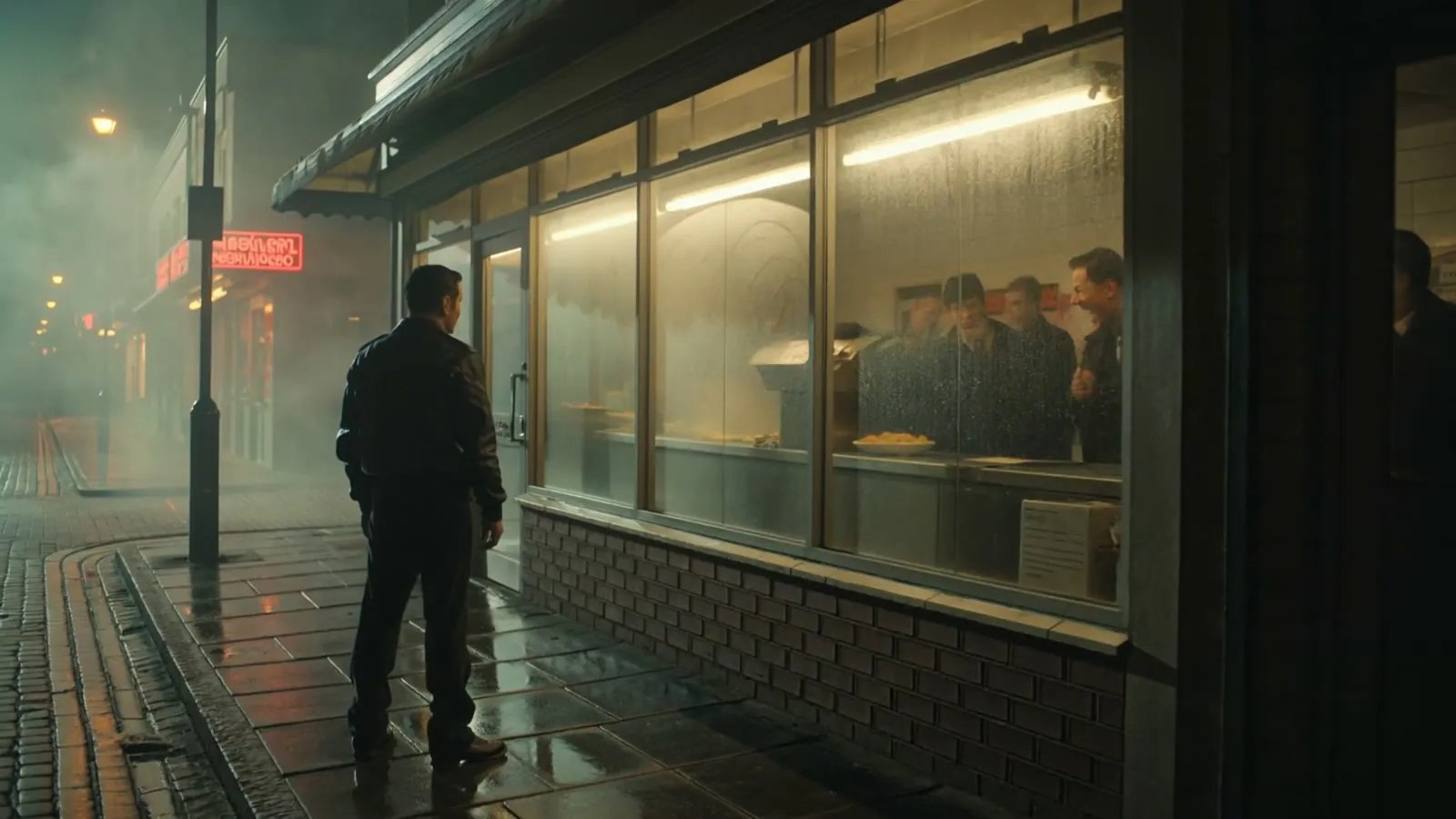
- N22 first showed a side-on face, then a bystander face in the shop window.
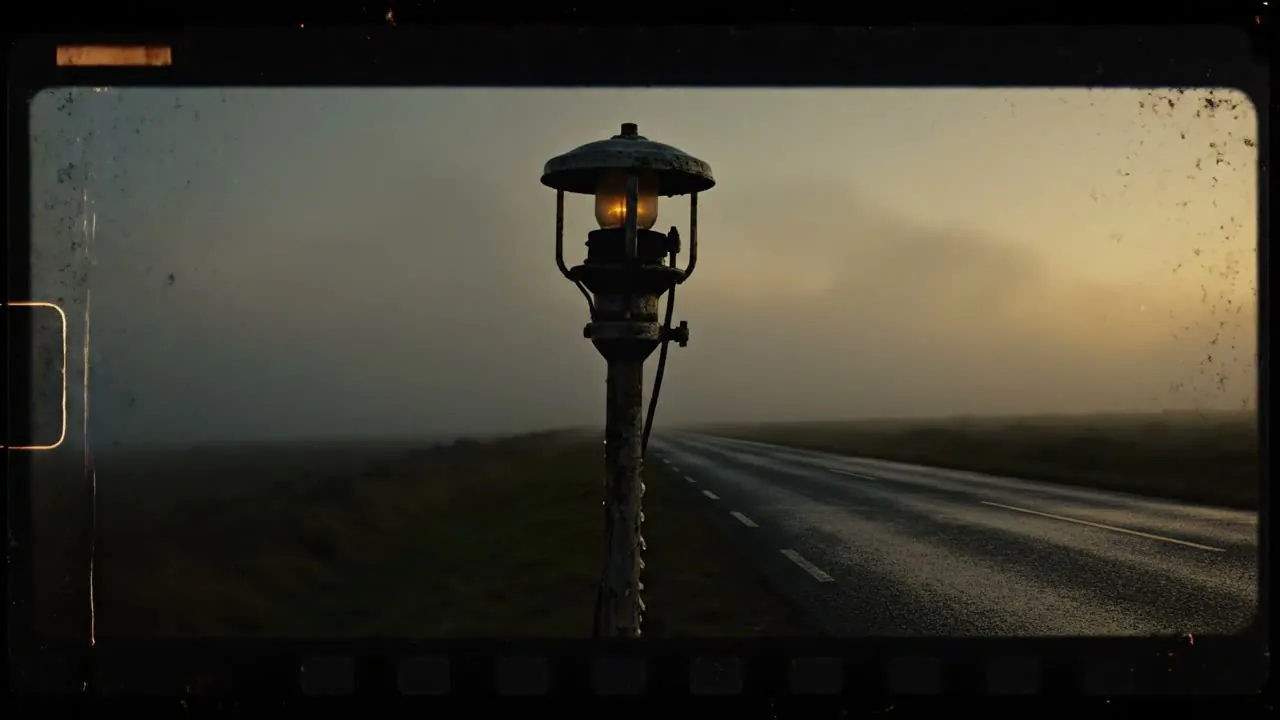
- N32, the Veo dawn shot, drew a film-strip border around the frame. Road shots now need an explicit “full-bleed clean photographic frame, no film strip, no sprocket holes.”
Rejected takes were kept in a rejects folder, with the old clips of re-staged shots parked beside them, and QA frames pulled for a stills pass. The brand gate stayed the same the whole way through: if a clip reveals a face, it is regenerated. Silhouettes only.
Here is a rejected take from N22. It is shown only as a teaching example. The faces in the chip-shop window are why it was thrown away.
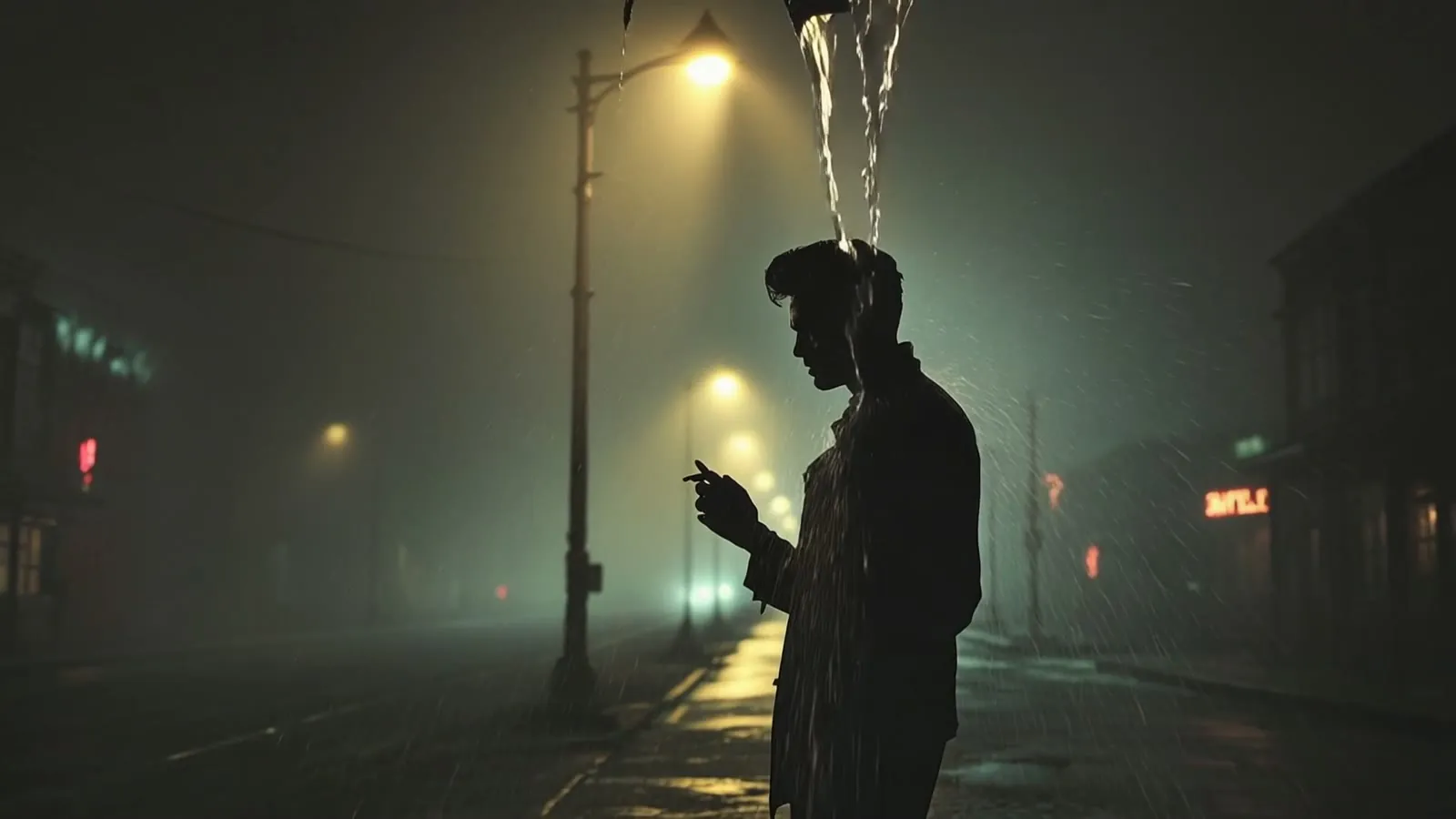
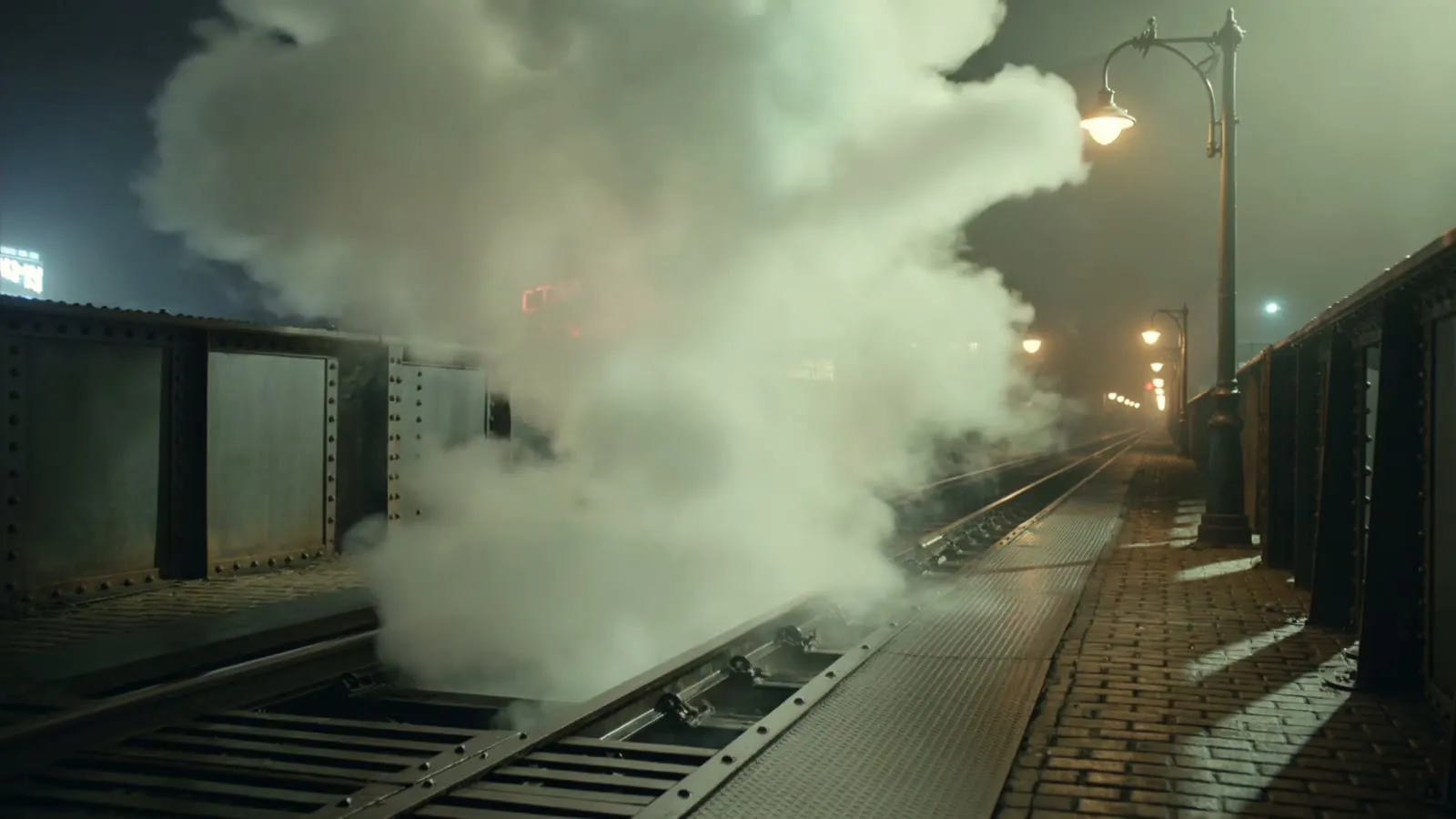
I also left a few other soft spots in as judgement calls rather than fixes: Kling 3.0 likes to add garbled neon lettering (visible on some town shots and on the intro plate); the last lamp dies with a half-second burst of sparks, landing on the line “Somewhere that feels sincere”; and on the footbridge he sometimes stands on the tracks rather than at the rail.
Hard-won prompt habits for this model family, from what I learned on this film:
- Close figures: “back fully to camera, only the back of his head and shoulders ever visible, he never turns.”
- Mirrors: “pure black shadow, head hanging so low only the hair shows.”
- Windows: “so thickly steamed it is almost opaque, no one looks out.”
- Do not ask the generator to perform a match cut. Generate a clean in and a clean out, and make the cut yourself.
7. Assemble, grade, lyrics and titles
The clips were not dragged into a conventional timeline as the main path. A small assembler cut each shot to its start and end, applied a colder, greyer grade so only neon and lamplight pop, used hard cuts on the five hook shots, dipped the rest through black, and muxed the original WAV. The film ends on white, with the last “anywhere but here” landing on an empty frame.
A second pass burned the aligned lyrics over the same cut. There is a clean master and a lyrics master.
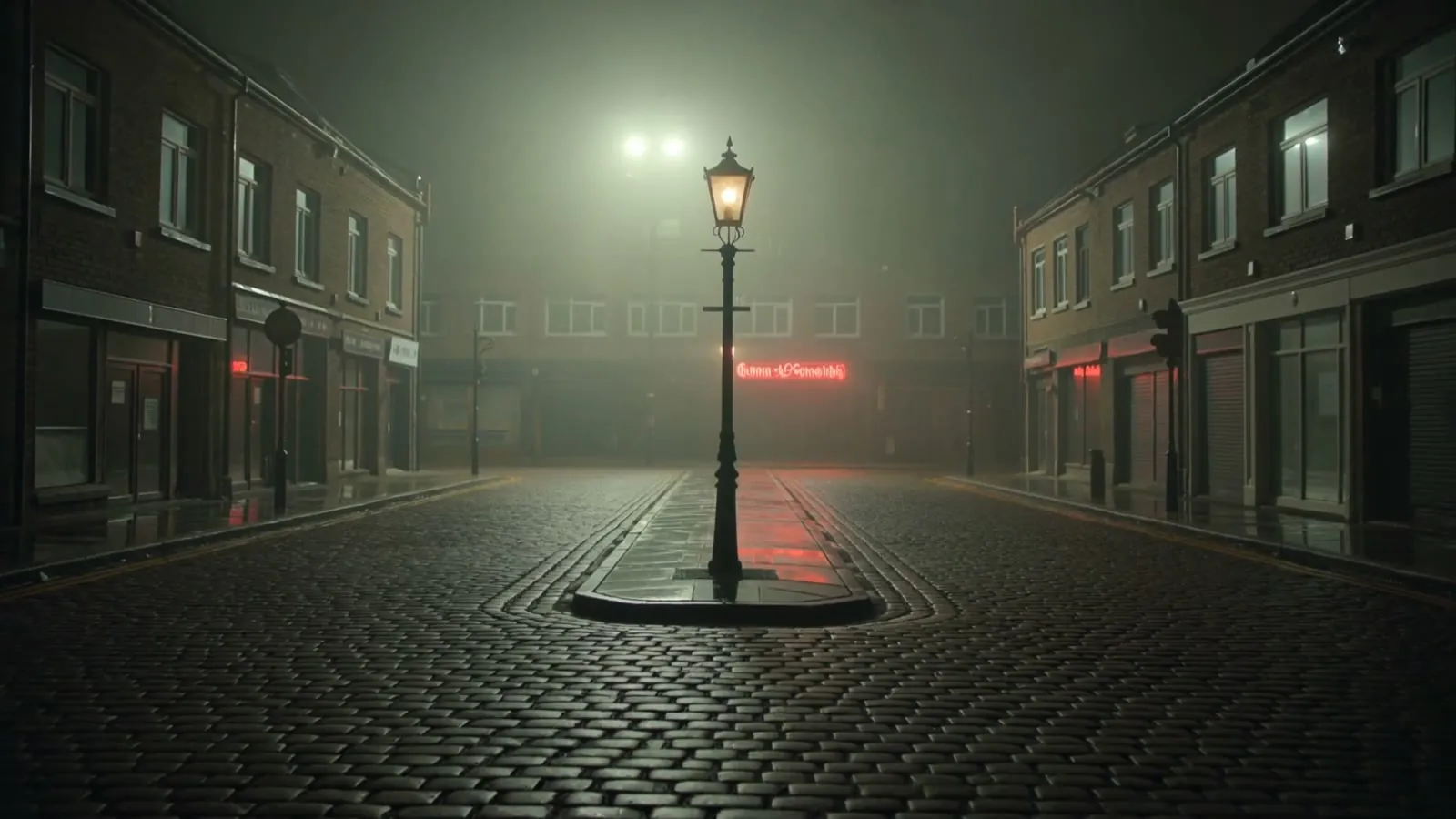
Titles were built last, over two extra generated plates:
- Intro, YouTube only: 8 silent seconds before the film, because the vocal starts at 0.0 seconds. The plate is an empty foggy street, the lamp lit, a slow push-in. The Village Rejects wordmark, the word “presents”, then the title, fading from and to black, after which the first shot fades in.
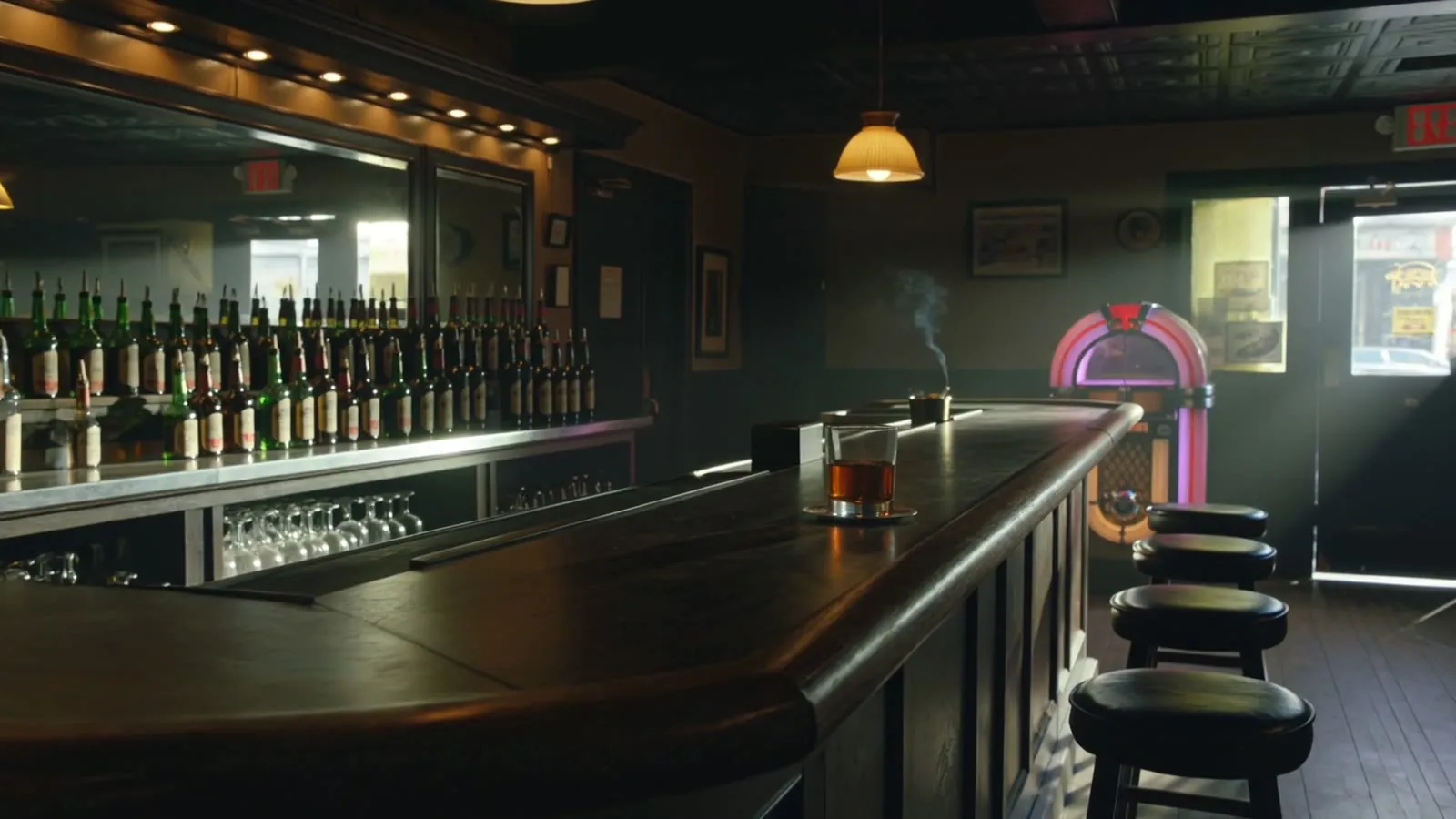
- Outro, 15 seconds, over an empty bar at closing, dollying along the counter to the jukebox, fading in from the film’s white-out. One card has the compass cover, the title, “Performed by The Village Rejects” and “Written by Adrian Dane”. The next has the wordmark and where to find the song (Bandcamp, plus the streaming outlets that were listed on the distribution page at the time).
8. Export a version that fits the platform
The same film was packaged several ways, because a 16:9 YouTube master is not an Instagram Reel:
- YouTube upload master: intro plus film plus end titles, 16:9, 1080p24. There is a matching lyrics version.
- A clean film-plus-end-titles version without the intro, and card-less masters used as intermediates.
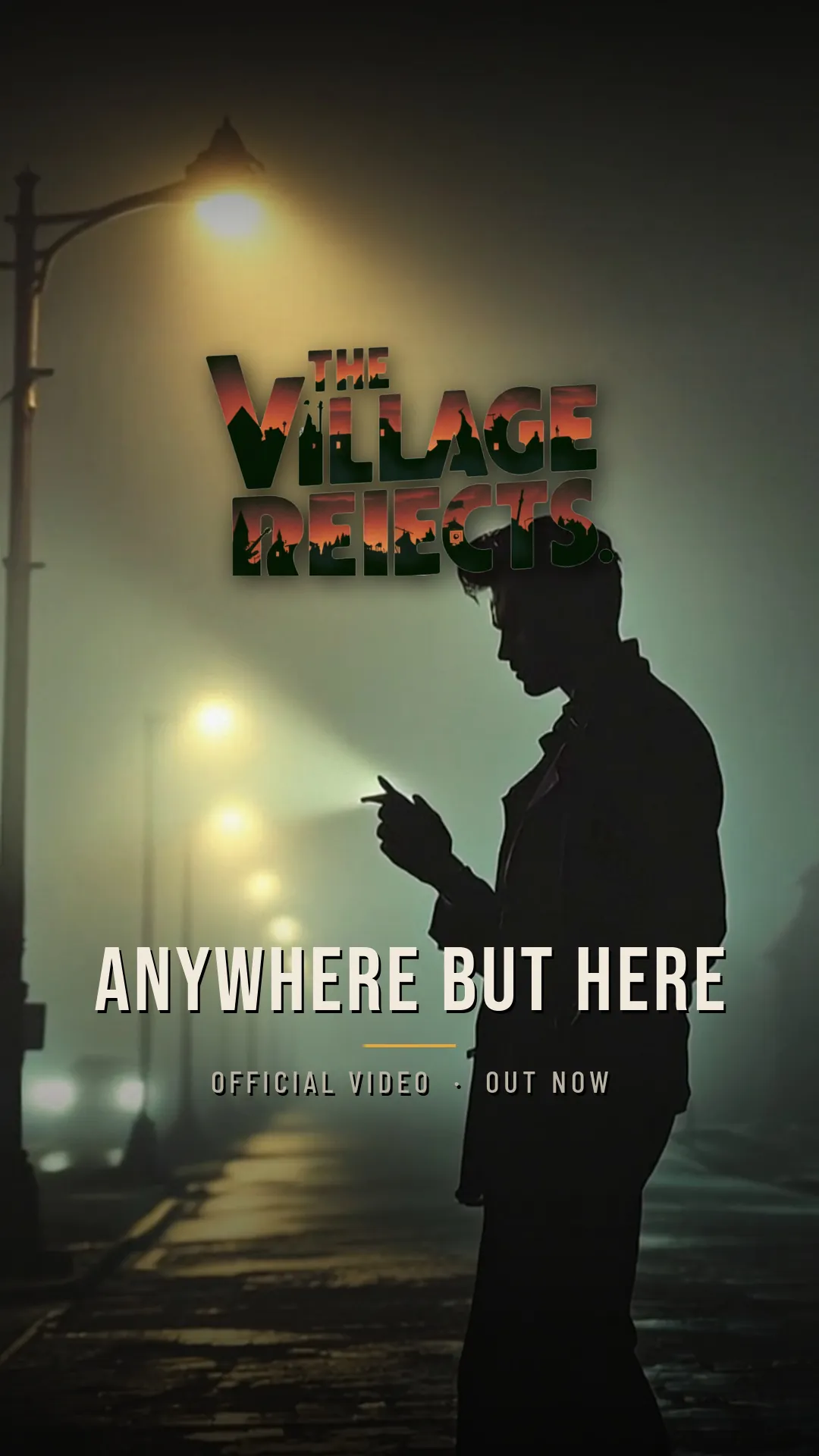
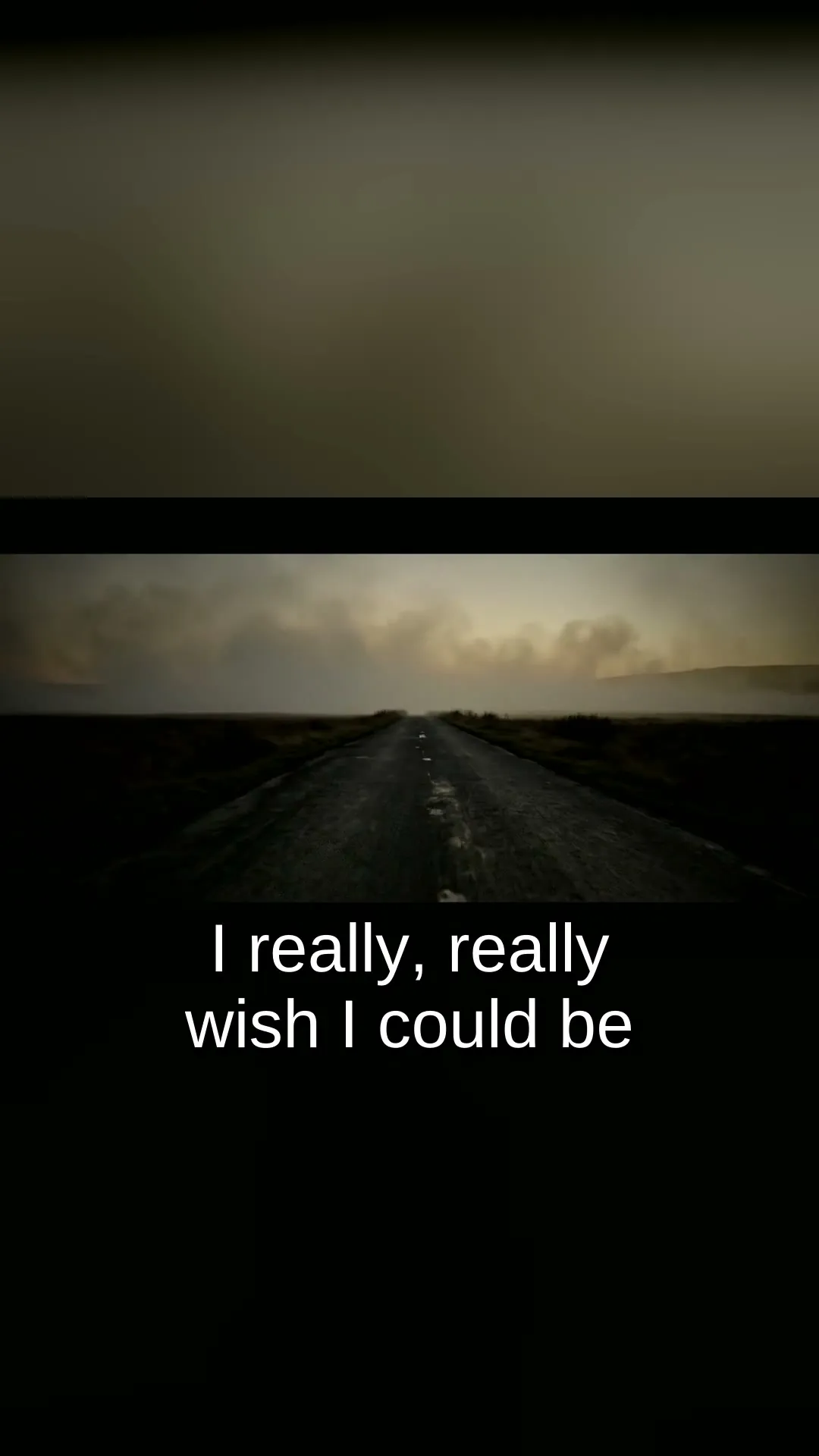
- Instagram 9:16 (1080×1920): the 16:9 picture sits as a full-width strip over a blurred, darkened blow-up of itself, with the lyrics re-burned at a phone-readable size under the strip.
- A full Instagram version with intro, end titles and lyrics, 3:56, for the feed. Reels at the time were capped at 3 minutes, so that full version was not the Reel.
- A 68-second Reel teaser, taken from 23.3–83.4 seconds of the film (launderette, through the first chorus, to the rooftop), with lyrics, a fade to black, then the outlets card.
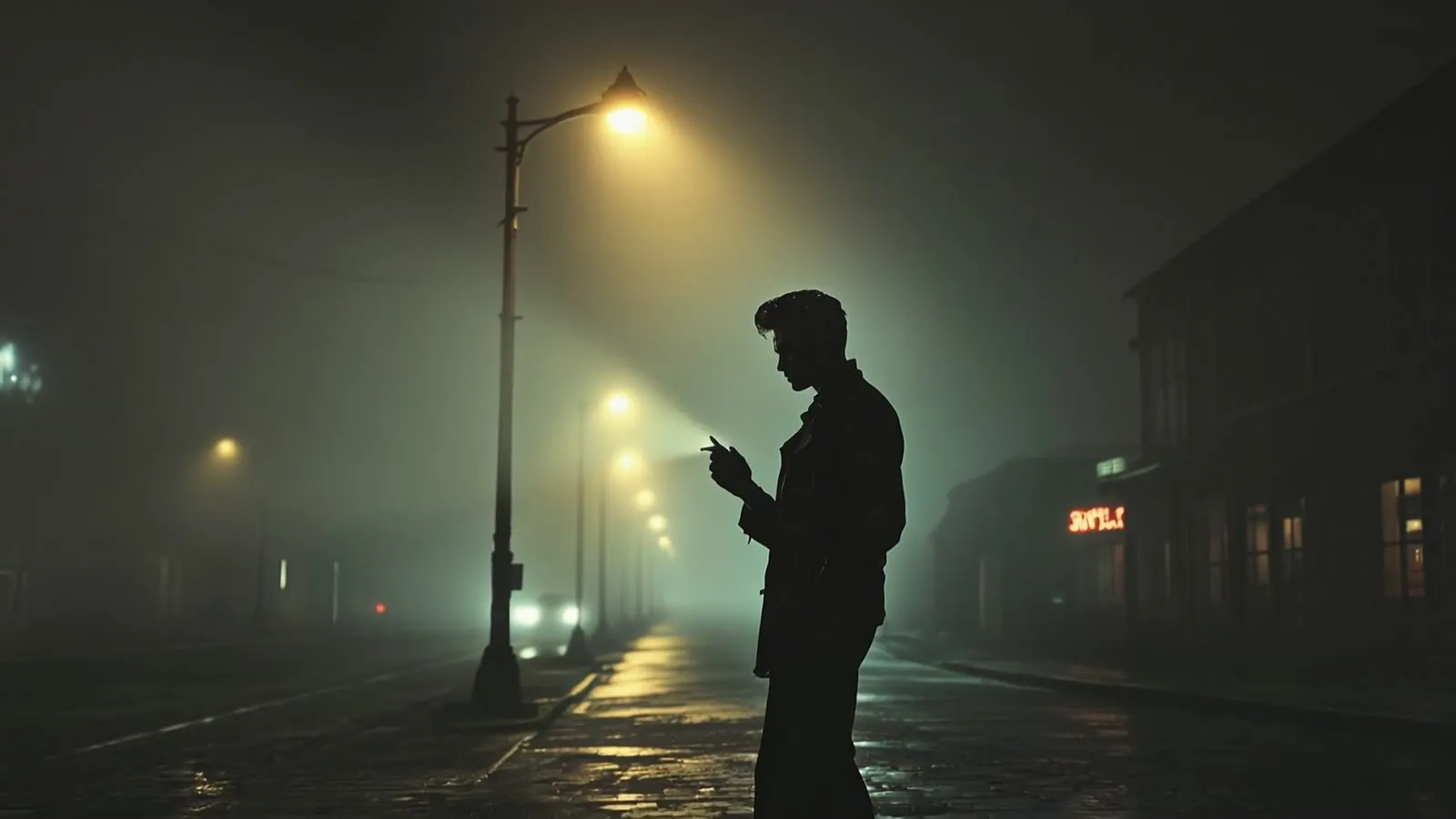
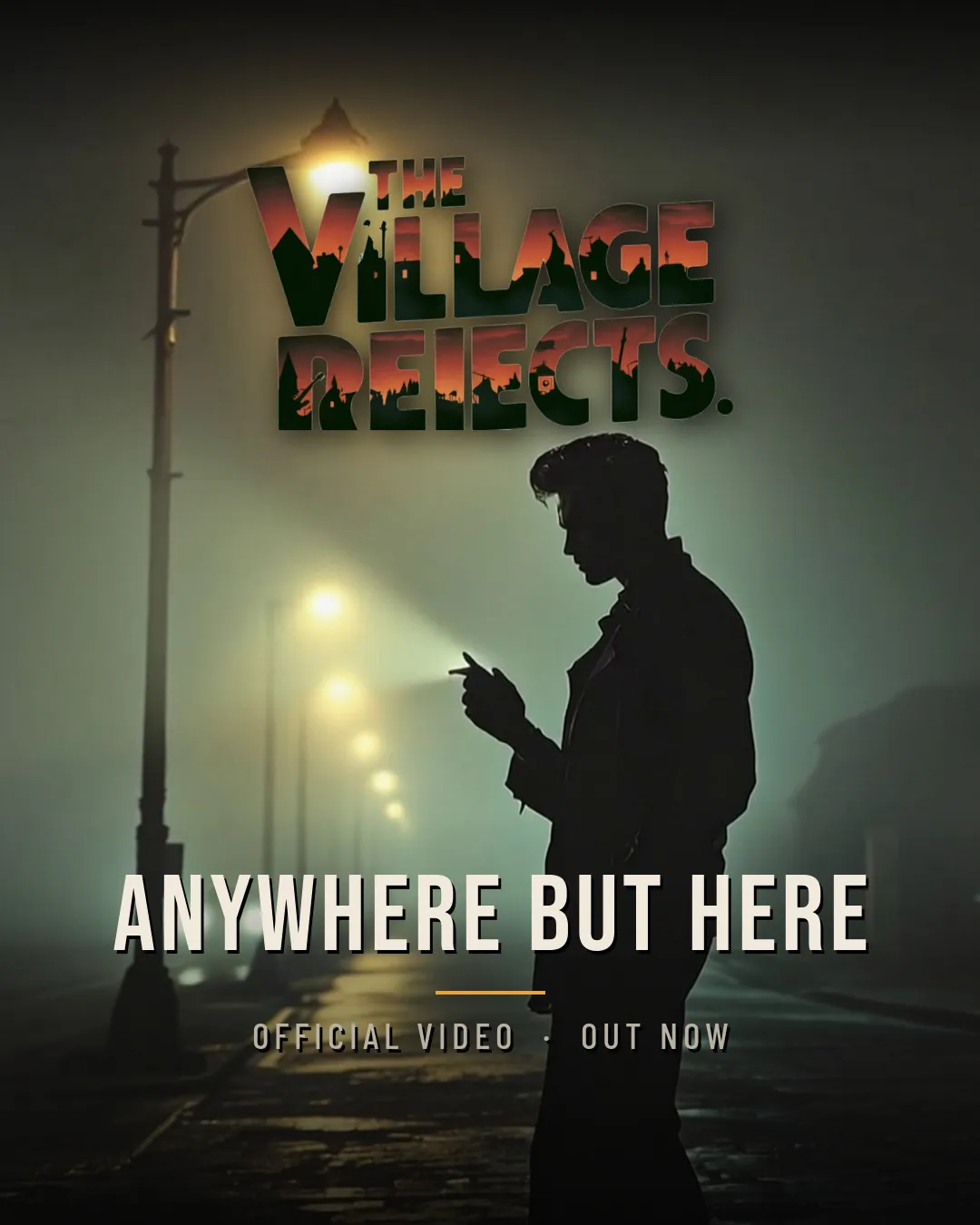
- Cover stills for Reel and feed, from shot N28 at 3.0 seconds: the rebel under the lamp. The wordmark sits at the top and the title at the bottom, kept inside the centre square so a grid crop does not cut them off.
These are the exports I made. I am not saying they were posted.
N28 is the signature frame of the film, the one the creative-director notes called “the poster, the thumbnail, the whole song in one frame.”
What I would tell someone starting with their own photos
This project was a custom pipeline: a shot list, generated stills, Kling and Veo via an API, and a scripted ffmpeg assemble. You do not need that machinery to make a short, honest film from photographs.
A simpler path, using tools this site already reviews, would look like this:
- Plan fewer shots. Thirty-five clips for a three-and-a-half-minute song was the right count for this film, and it was still too many in the middle until I re-staged it. A memorial or a birthday film can live on a handful of photographs, each held long enough to feel like a look rather than a flick-book.
- Time to the audio first. Even a scratch lyric sheet or a simple beat sheet in CapCut or Kapwing is better than generating first and sliding clips around afterwards.
- Use a real photograph as the start image. That is the part I would have done differently if this had been a family film. Image-to-video in Runway or Luma AI is the consumer version of what I did with Kling and Veo. Photos To Video AI is aimed even more directly at that starting point. One photo per place, not one photo for the whole film. Adobe Firefly may also be useful if you are already generating stills in that family of tools.
- Make the cuts in the editor. Hard cuts, match cuts and montages are edit decisions. The models in this project tried to invent transitions when I mentioned them, and they could not cut a montage. Generate a clean clip, then cut it.
- If you need someone unrecognisable, shoot from behind. “Make them a silhouette” is a weak instruction. “Back to camera, they never turn” is the one that worked here.
- Expect re-rolls, and keep the rejects. Faces in mirrors and windows, extra bystanders, film frames drawn around the picture, and invented signage all showed up in this project. Budget for it. A handful of re-rolls on a first pass was normal on this project.
- Export to the platform’s real limits. I needed a silent pre-roll because the vocal starts on the first frame, a 16:9 master for YouTube, a 9:16 letterbox for Instagram, and a shorter teaser because a Reel would not take the full lyrics version. Check the cap before you finish the captions.
Those last paragraphs are advice drawn from this project, not a claim that I have timed a beginner film in Runway, Luma or CapCut for this song. I have not. If I later make a short version of the same walkthrough in those tools, it will be a separate, dated test with its own screenshots.
Lessons I am keeping
- A constraint is useful when it means something. The silhouette works because the song is about being a silhouette. Without that, it is just a way to hide an inconsistent face.
- The start image is stronger than the prompt. A streetlamp still will drag a bar scene back into the street, however carefully you write “interior, jukebox, dolly”.
- One global style string will paint the same town onto every world. Give each location its own references and its own negatives.
- Watch the first assembly all the way through before you fall in love with individual clips. Repetition is obvious in a cut and easy to miss shot by shot.
- Follow the lyric that is actually under the picture. The October rewrite exists because the first cut did not.
- Keep rejected takes. They are the most honest teaching material you will have, and they stop you regenerating the same mistake.
- Platform packaging is part of the film, not an afterthought: intro silence, end cards, burned-in lyrics, vertical crops, cover frames.
Watch it again, then go look at the tools
Listen to or buy “Anywhere But Here” by The Village Rejects on Bandcamp.
The tools named in this walkthrough are the ones the project actually used: Demucs, Whisper, Flux Pro, Kling 3.0 Pro, Veo 3.1, fal.ai, and ffmpeg. For a simpler image-to-video starting point, see the reviews of Runway, Luma AI, CapCut, Kapwing, Photos To Video AI and Adobe Firefly.
The song is written by Adrian Dane, performed by The Village Rejects, and available on Bandcamp and the streaming services listed on the end card.
The creative toolkit