Tool review
Adobe Firefly review: image-to-video with a commercial-safety story
Firefly can animate a still photograph into a short clip, in Adobe’s own model or partner models. The free daily allowance is real but modest.
Best for
A business or small agency that wants image-to-video with a commercial-safety story they can show a client.
Free plan with limited daily generations. Paid plans use monthly credit allowances; prices and offers vary by region. Check Adobe’s UK pricing and checkout terms.
Check the model’s terms as carefully as the picture.
Pictures for this page

A sample prompt
A slow camera push on a product still, with the light shifting from cold to warm. The product stays the same shape.
I have not generated a Firefly clip for this page yet. The prices and limits are from the public pricing and features pages, checked on the date below.
What it is good at
- The Firefly Video Model is marketed as safe for commercial use, trained on Adobe Stock and public-domain content.
- Image-to-video generates short clips from uploaded reference images.
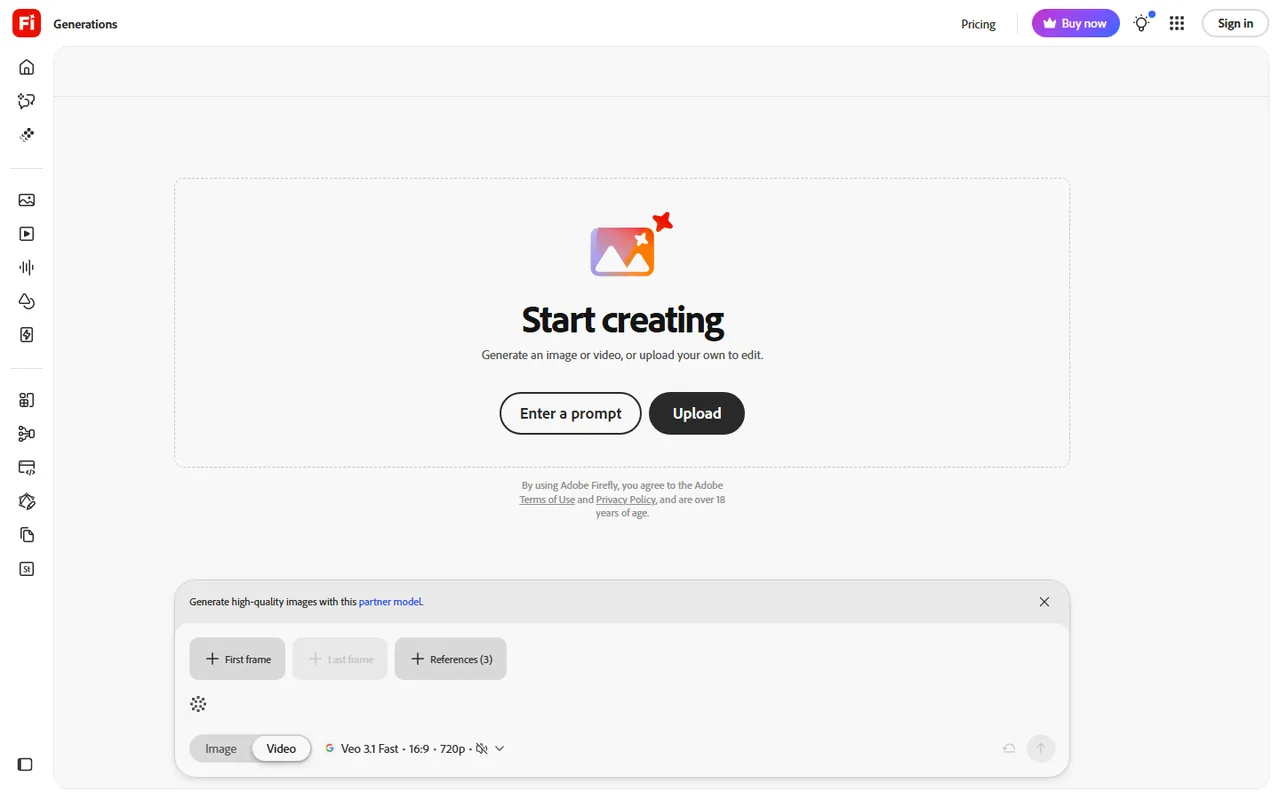
- One workspace holds Adobe’s own model and partner models: Veo 3.1, Luma Ray3, Kling 3.0 and Runway Gen-4.5.
- A real free plan exists, with a daily reset rather than a one-time taster.
Where it falls short
- Generation length varies by model; check the duration selector before spending credits.
- Credit cost per clip is not published in plain numbers on the generate page.
- Introductory discounts can expire before the subscription ends; check the ongoing price and commitment.
- Generated clip length and credit costs depend on the selected model and settings.
Adobe Firefly is Adobe’s AI generation workspace: image, video, audio and avatars in one subscription, inside the browser at adobe.com/products/firefly. The angle that matters for this site is image-to-video, and the reason to pay serious attention is the commercial-safety claim that Adobe makes about its own model.
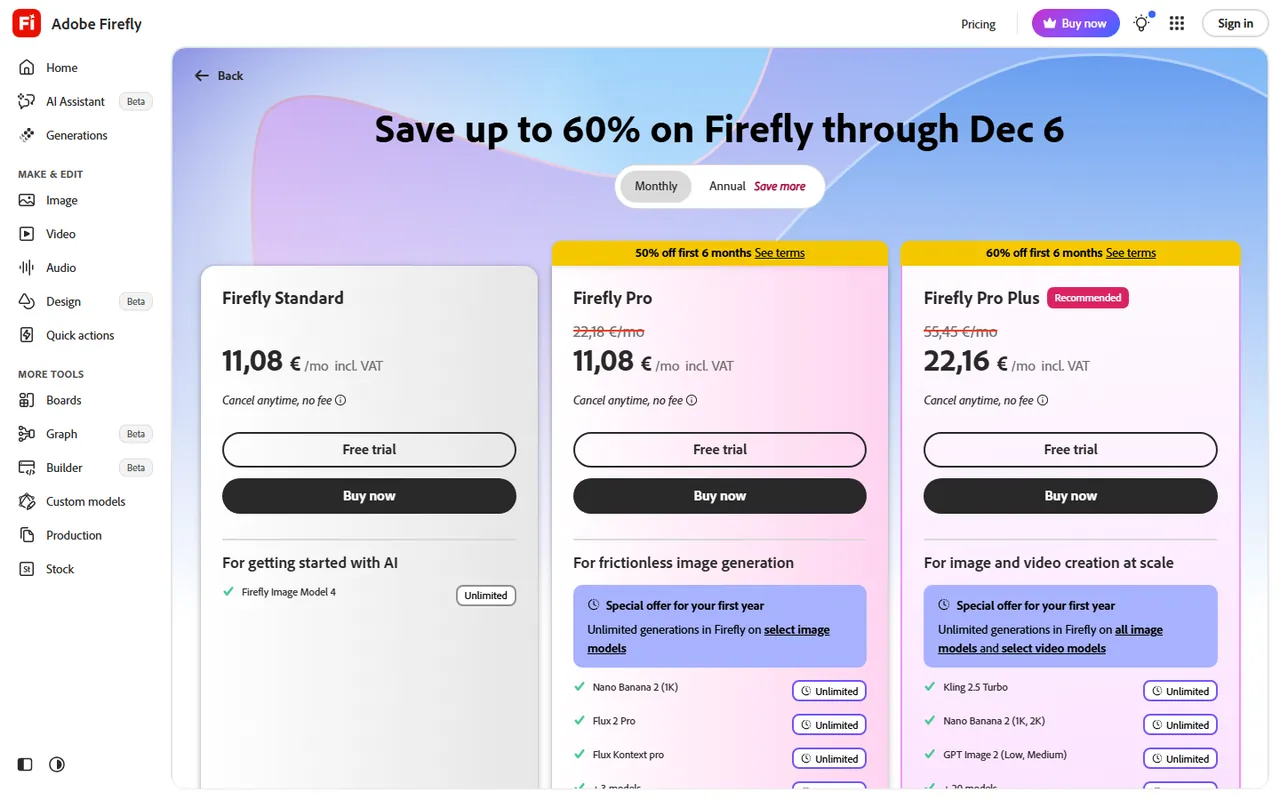
Public pages were checked on 14 November 2026. Pricing is in the middle of a Black Friday promotion that ends on 6 December 2026. Treat the cheap row as temporary.
What Firefly does with a still
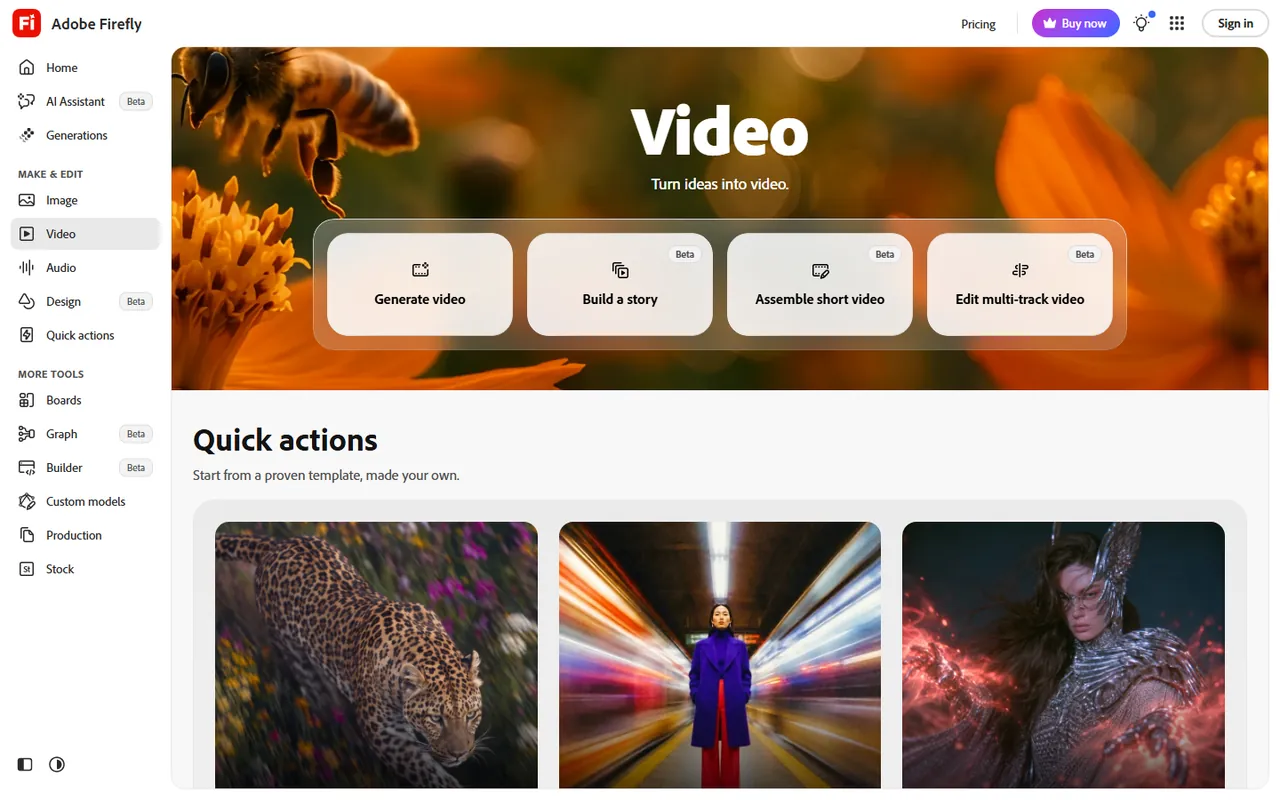
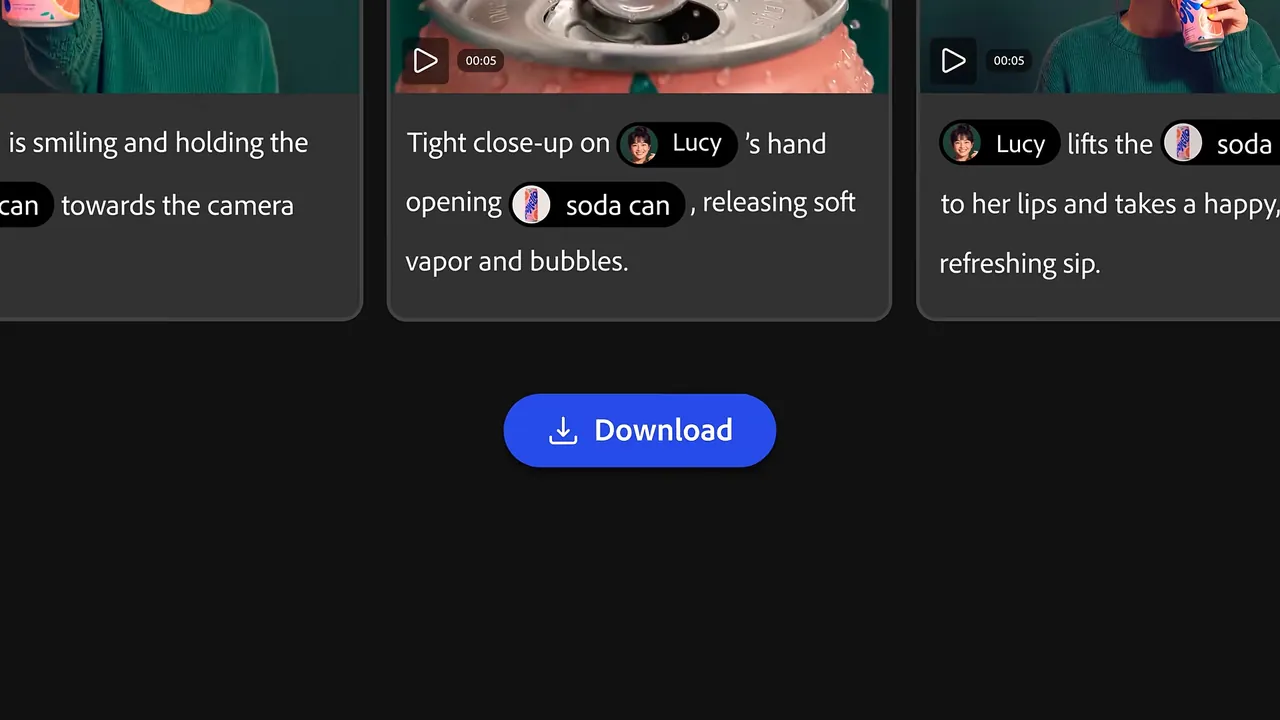
The video features page describes “Generate Video from Image”: you upload a still, write what should happen, and generate a short clip. Duration and resolution depend on the selected model. Firefly also has a video editor for arranging and trimming clips and adding audio.
The workspace also includes Firefly Boards, an infinite canvas for mood-boards and storyboards, which is a planning tool rather than a timeline editor. It is a sensible place to try three or four frames before you spend credits on a generated clip.
The commercial-safety claim, in Adobe’s words
Adobe markets its own Firefly Video Model as designed for commercial use, with licensed and public-domain training content. This is not a guarantee that every output is cleared for every use. Check the selected model’s terms and any rights in the uploaded photograph before client delivery.
What the free plan really is
The Firefly pricing page lists a Free plan with “a daily allotment of generations that resets every day”. The page does not publish the daily number in a single line. In practice that means you can try a photograph, see the output, and reach the cap if you re-roll a lot. Free is a taster, not a production allowance.
Paid plans, as listed
Adobe lists Standard, Pro, Pro Plus and Premium, with monthly allowances of 2,000, 4,000, 10,000 and 50,000 credits respectively. Premium also advertises unlimited access to Adobe’s Firefly Video Model, subject to its terms. Regional prices and introductory offers vary. Use the UK plans page to check VAT, billing commitment, renewal price and cancellation terms.
Adobe Creative Cloud customers may already have some Firefly credits included with an existing plan. Check what the credit balance is before adding another subscription on top.
Who it suits
Pick Firefly if you already pay for Creative Cloud, or if you want one subscription that covers image-to-video with published information about its own model’s training sources. It suits an estate agent who wants a hero clip of a listing, a small shop that wants a short product push, or a marketing freelancer whose clients are strict about licensing.
A generated shot alone is not a complete memorial or anniversary film. Firefly’s video editor can assemble clips, but check whether its workflow suits a photo-led tribute. Use the generated clip as one moment inside CapCut or another timeline editor. Runway and Luma AI sit beside Firefly inside the same workspace with availability and credit costs depending on the plan and model.
Before you upload
Adobe’s terms decide what happens to the photograph and the clip. Read them, especially for a picture of a customer or a client’s product. Firefly content credentials are the feature to look at if a client wants to prove how a clip was made. The feature exists; the details change. This review will not summarise them.
Sources
Checked 14 November 2026:
Questions people ask
Is Adobe Firefly free?
Yes, Adobe lists a Free plan with a daily generation allowance that resets every day. You need a paid plan if you want more than the daily allowance, or features such as larger credit pools and higher-resolution exports.
Can Firefly animate a photograph I upload?
Yes. Upload a still and generate a short clip. Duration, resolution and credit use depend on the selected model and settings.
Is a Firefly-generated clip safe to use in a client video?
Adobe says the Firefly Video Model is designed to be safe for commercial use because it was trained on licensed and public-domain content. Clips made with partner models (Veo, Luma, Kling, Runway) sit under those partners’ terms. Read the model line before you deliver.