Tool review
Kapwing review: a browser editor with AI image-to-video bolted on
Kapwing is a web-first editor with a free plan, and it routes image-to-video to third-party models. The free limits are tighter than the marketing suggests.
Best for
A quick social edit or a short slideshow built in the browser, with plan credits for AI clips.
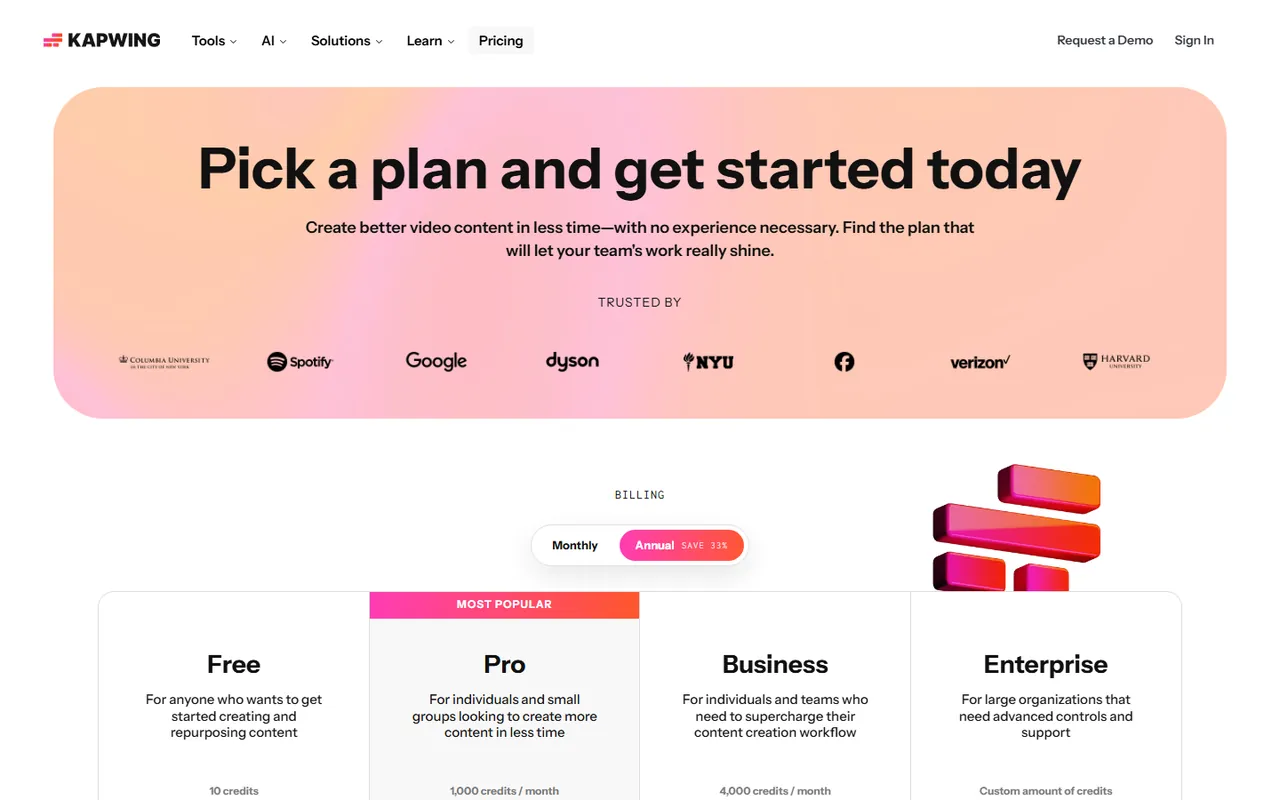
Free plan with a watermark, 720p and a four-minute cap. Pro is $16 per member per month billed annually ($24 billed monthly). Check current pricing.
What users say
Third-party ratings
Each line is someone else’s figure, copied from the linked page on the date shown. pics2vids does not publish its own score.
Often praised Reviewers who like Kapwing praise the browser workflow: no install, a familiar track layout, and a route to several AI video models without new logins.
Often complained about Negative comments on the linked Trustpilot profile include billing and cancellation issues. The reviews are self-selected and do not establish how common a problem is.
The timeline is the reason to open Kapwing. The credit meter is the reason to plan before you press generate.
Pictures for this page

A sample prompt
Six photographs on the timeline, each held for four seconds, with one song and a 9:16 export for Instagram.
I have not exported a Kapwing project for this page yet. Plan prices and free-plan caps are from the public pricing page, checked on the date below.
What it is good at
- A real browser timeline, so you can start a slideshow without installing anything.
- Image-to-video in Kapwing routes to third-party models, including Kling, Seedance and Veo.
- The free plan gives a usable practice version before you commit to a paid month.
- Nine aspect ratios on image-to-video, including 9:16 for phones.
Where it falls short
- Free-plan exports carry a Kapwing watermark and cap at 720p and four minutes.
- Only 30 minutes of total export a month is included on the free plan.
- Credit costs for AI features are not published in plain numbers on the image-to-video page.
- Read the dated third-party rating summary below alongside the written reviews.
Kapwing is a web-first video editor. It is the closest thing on this site, by shape, to CapCut: a timeline in a browser, with AI features sold as credits on top. The point of this page is to pin down what the free plan actually is, and where the AI image-to-video feature sends your photograph.
Public pages were checked on 14 November 2026.
What the free plan really is
The pricing page lists a Free plan at $0 with the caveats below:
- A Kapwing watermark on every export
- 720p export quality
- A four-minute maximum length per video
- 30 minutes of total export a month
- 5 GB of cloud storage
- 2 GB maximum upload size
- 10 minutes a month of auto-subtitling
- 1 minute a month of text-to-speech
- 5 minutes a month of auto-translation
That is enough to try the editor, time a short social clip, and see whether the workflow fits. It is not enough for a long tribute. A 30-photo film at four seconds a photo is two minutes, which fits, although the watermark and 720p limit may not suit the finished film.
Paid plans, as listed
On the same date, Kapwing showed Pro, Business and Enterprise:
| Plan | Per member per month, billed annually | AI credits |
|---|---|---|
| Pro | $16 | 1,000 a month |
| Business | $50 | 4,000 a month |
| Enterprise | Contact sales | Custom |
Both paid tiers are described as removing the watermark, lifting exports to 4K, and allowing videos up to 120 minutes long. Business adds voice cloning and additional credit purchases; the comparison table also lists a lip-sync allowance on Pro. These are annual-billing rates, not rolling monthly prices. Pro is $24 per member when billed monthly; check the monthly Business rate at checkout. The prices are US dollars. The public pricing page I checked did not list a GBP figure.
The monthly credit numbers are the honest part. Kapwing charges credits per AI feature, and the image-to-video page is less direct about the per-clip cost. Open the pricing page and the model pop-up together before you buy. A 1,000-credit pot is not the same thing as 1,000 image-to-video clips.
How Kapwing’s image-to-video works
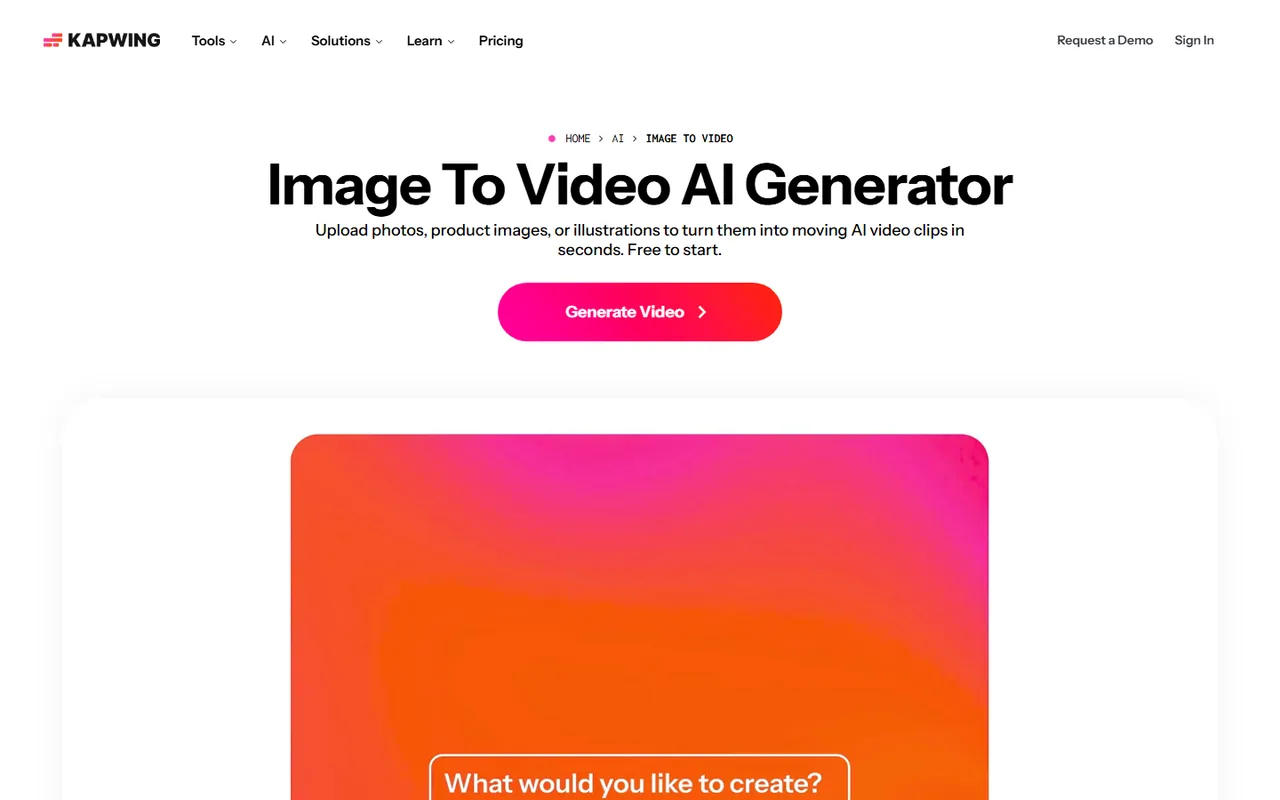
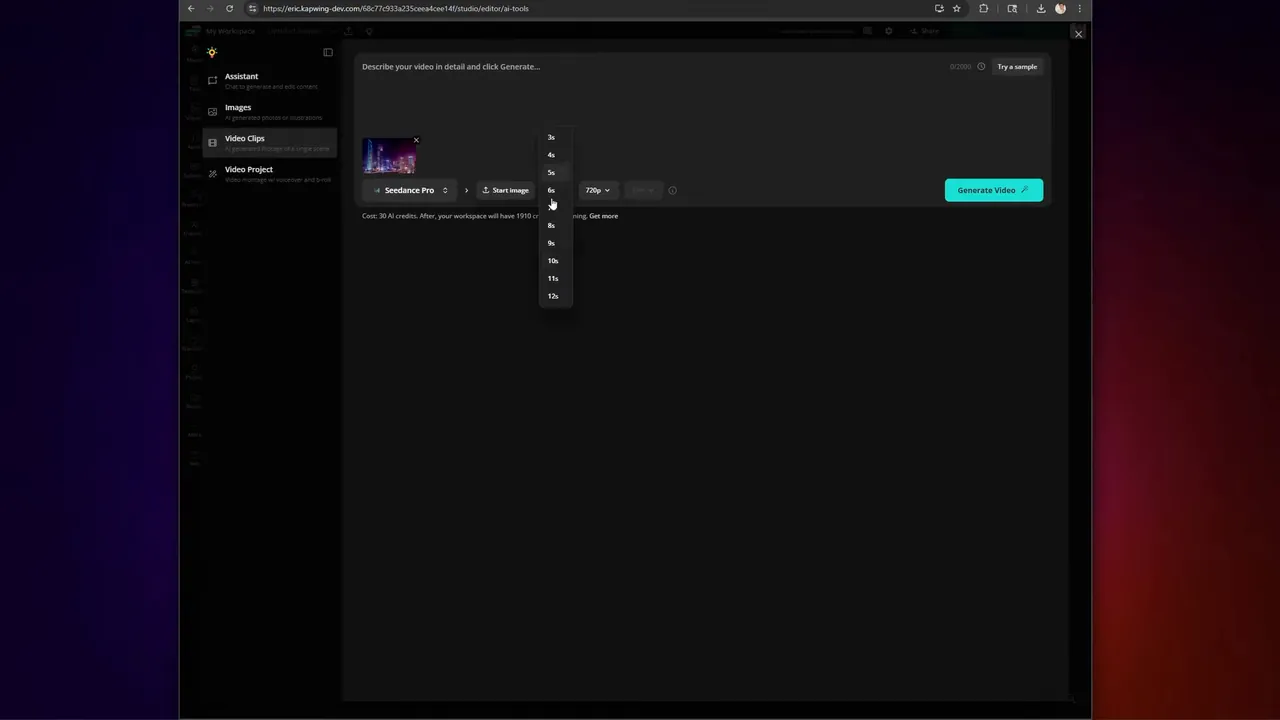
The Image To Video tool accepts JPG, PNG, WebP or an AI-generated image, and routes the job to a third-party model inside the editor. The page recommends Seedance and Kling, and Veo for start- and end-frame control. Output is up to 1080p across nine aspect ratios, including 9:16 for phones and 1:1 for a square post.
The feature is a router, not a model. That is useful: you can try one model, and if the take is wrong, try another without a new login. It also makes credit use worth watching. Every re-roll spends more credits, and a credit price in a hundred-count pack is easy to burn through in an afternoon of prompt tweaks.
Where the slideshow lives
Kapwing’s normal editor, not the AI generator, is where a birthday video or a short tribute lives. You load photos, set each length on the timeline, add music, text and transitions, and export. For a longer memorial, the four-minute free cap is the limit, not the model. For a 60-second social slideshow, the free plan is enough to see whether you like the editor before you pay.
Who it suits
Pick Kapwing when you prefer an editor in a browser to an app on your desk, and you are willing to pay once a month for watermark-free exports and AI credits. It suits a small business owner who wants one subscription that covers slideshows, subtitling and the occasional AI shot.
Skip it as your free-forever tool. CapCut has a wider free editor, if more confusing marketing. Pick Runway or Luma AI if what you want is one directed clip and you do not need a timeline around it.
Sources
Checked 14 November 2026:
Questions people ask
Is Kapwing free?
Kapwing lists a Free plan at $0. On that plan, exports are 720p with a Kapwing watermark, individual videos cap at four minutes, and the account gets 30 minutes of total export a month and 5 GB of storage. AI features use credits on top.
Can Kapwing turn a photo into a video?
Yes. The Image To Video tool uploads a still and sends it to a third-party model inside the editor. Kapwing’s own page recommends Seedance, Kling and Veo for different workflows. Output is up to 1080p. Credit costs depend on the plan.
Does Kapwing make a slideshow out of many photos?
Yes, in the normal editor. You drop images onto a track, set each one’s length, add music, text and transitions, and export. That is a different feature from the Image To Video model, which animates one photograph at a time.