Plans and limits
Let’s Enhance: make a small, soft photo big and sharp enough for your film
Let’s Enhance makes a small, soft or old photo bigger and cleaner in your browser: up to 16 times larger, one credit per image, with free credits to start. Paid plans add 5-second Image to Video clips.
Short answer
Let’s Enhance makes a photo bigger and cleaner in the browser: an upscaler (up to 16 times), an enhancer, a restorer and a face enhancer, at one credit per image. New accounts get free credits to try it. Paid plans add Image to Video, a 5-second 720p clip from one photo.
 Ad · Affiliate partner
Why people use it
Turn a small, soft photo into one that fills the screen.
Most photos look poor in a video for one reason: they are too small. Let’s Enhance is built to fix that, in the browser, one photo at a time. This is what it says it does, and what that means for your film.
- Up to 16 times bigger It says it can raise the resolution up to 16 times, to as much as 512 megapixels. Plenty of headroom for a small scan on a big screen.
- Made for old photos It describes an Old photo mode that smooths the noise of early digital and scanned pictures with minimal risk of artefacts.
- You choose how much changes From a gentle touch-up to a full reimagining. Its Image with text mode is meant to keep small writing, like a card or a sign, intact.
- Sharper faces, even at the back Its Face Enhancer page says it sharpens every face it finds, including people in the background of a group photo.
- Nothing to install It runs in the browser and takes JPG, PNG and WebP, so you don’t need a powerful computer.
- Easy to budget One image is one credit. On personal plans, unused credits roll over while you stay subscribed.
Paid link: if you sign up through it, the company pays me a commission. You pay the same. How this site is funded.
We haven’t run our own tests yet; the examples below are Let’s Enhance’s own.
Price and plans
One image costs one credit. On 23 November 2026 the pricing page listed personal plans of 100, 300 and 500 credits a month, business plans of 1,000, 2,500 and 5,000, and pay-as-you-go bundles. Check the current price on Let’s Enhance’s page before you pay.
What Let’s Enhance is built to fix
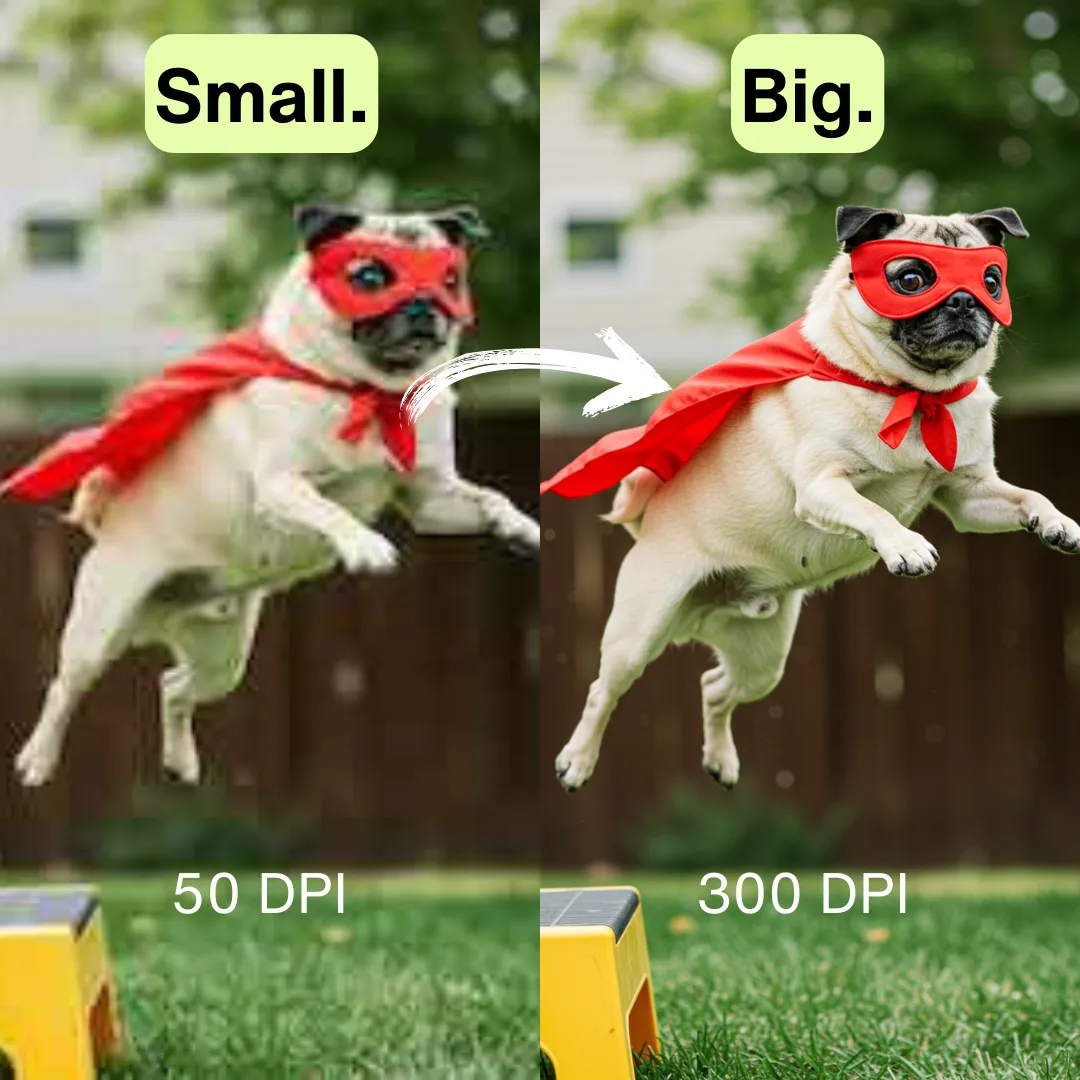
Before and after, from Let’s Enhance’s partner media kit: a soft, low-resolution picture on the left and the enhanced one on the right.
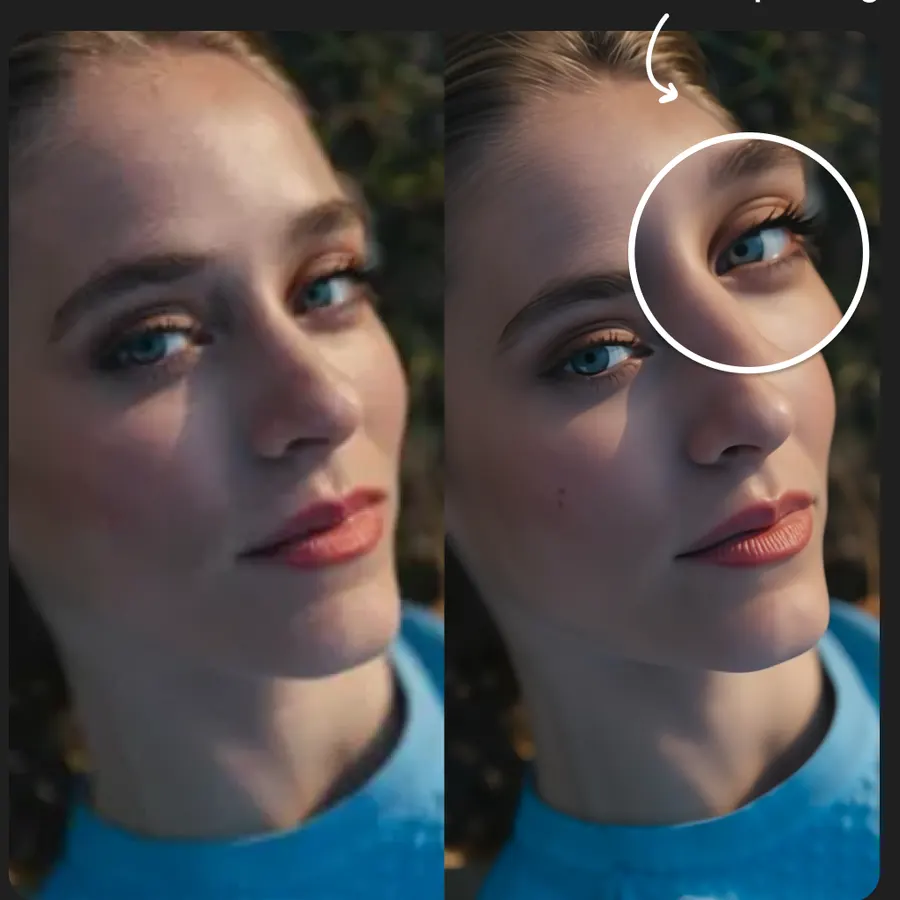
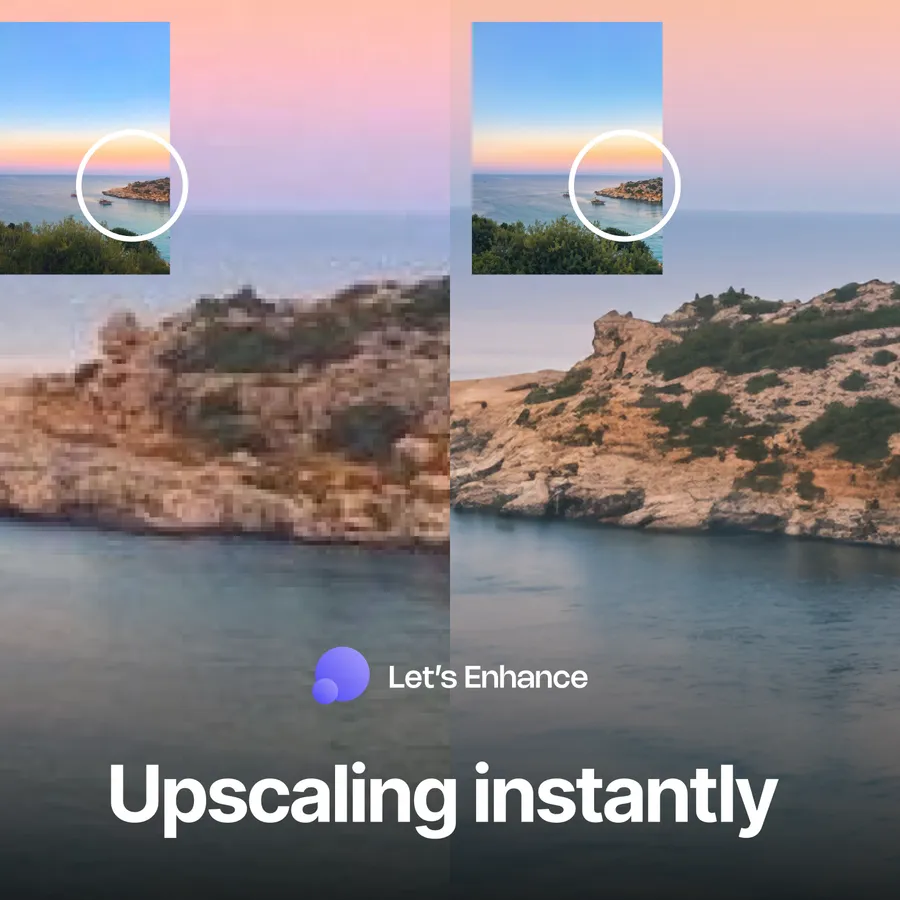
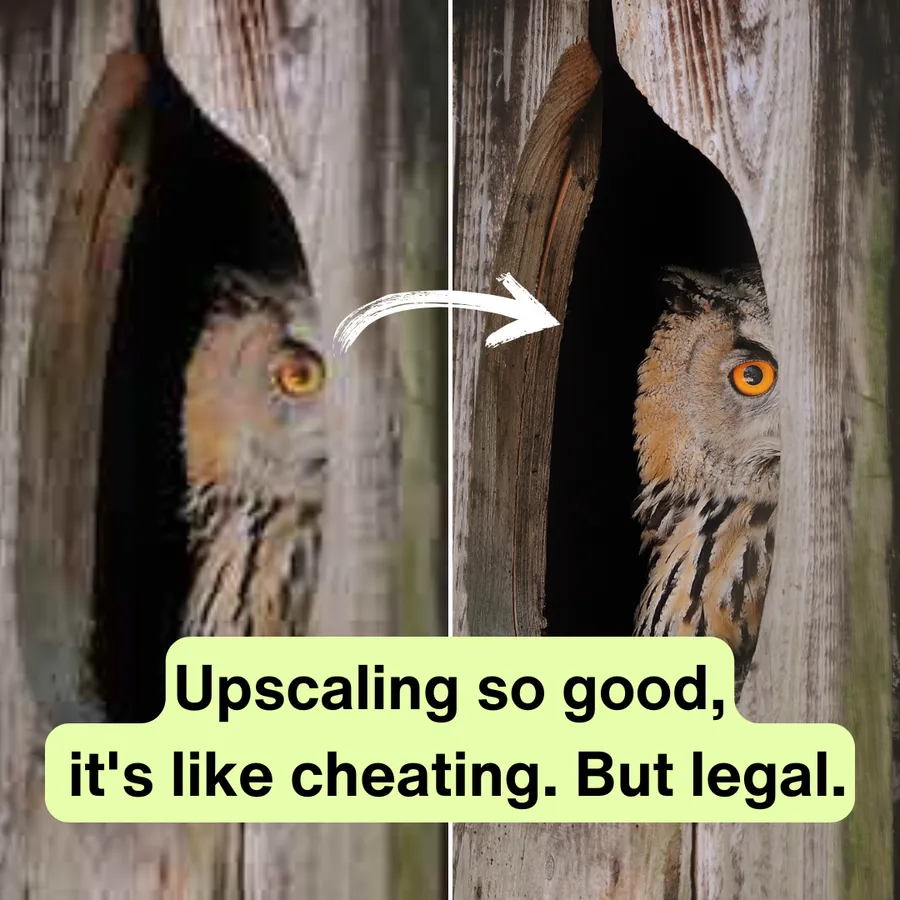
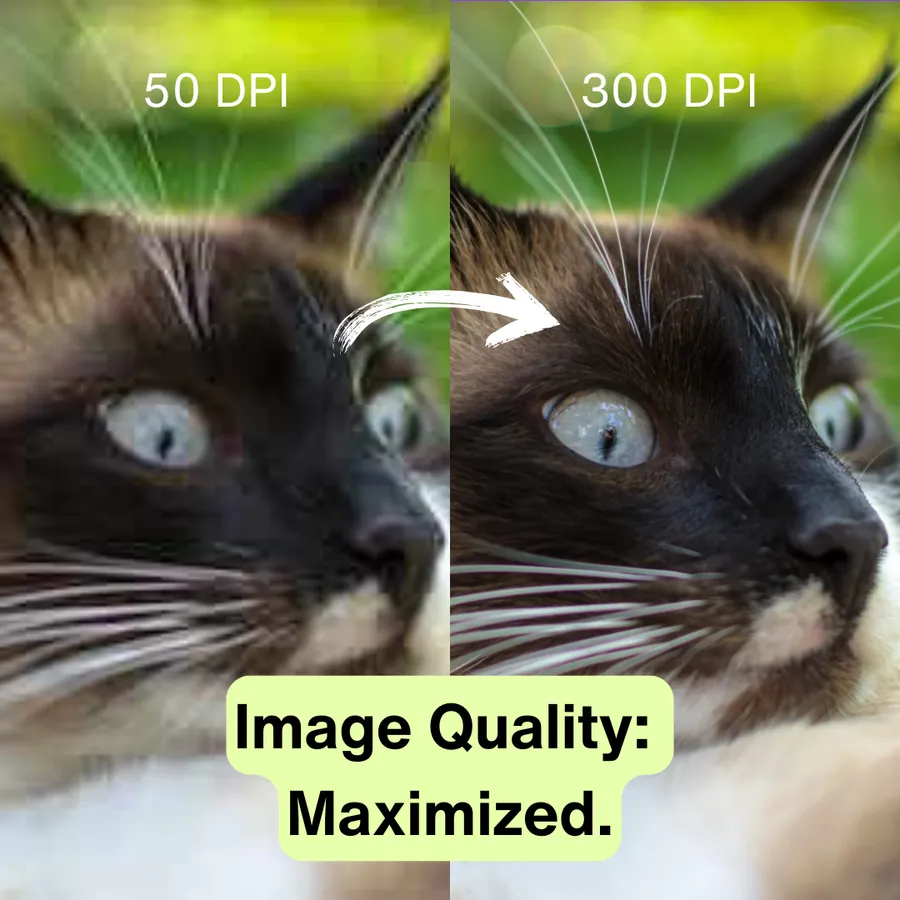
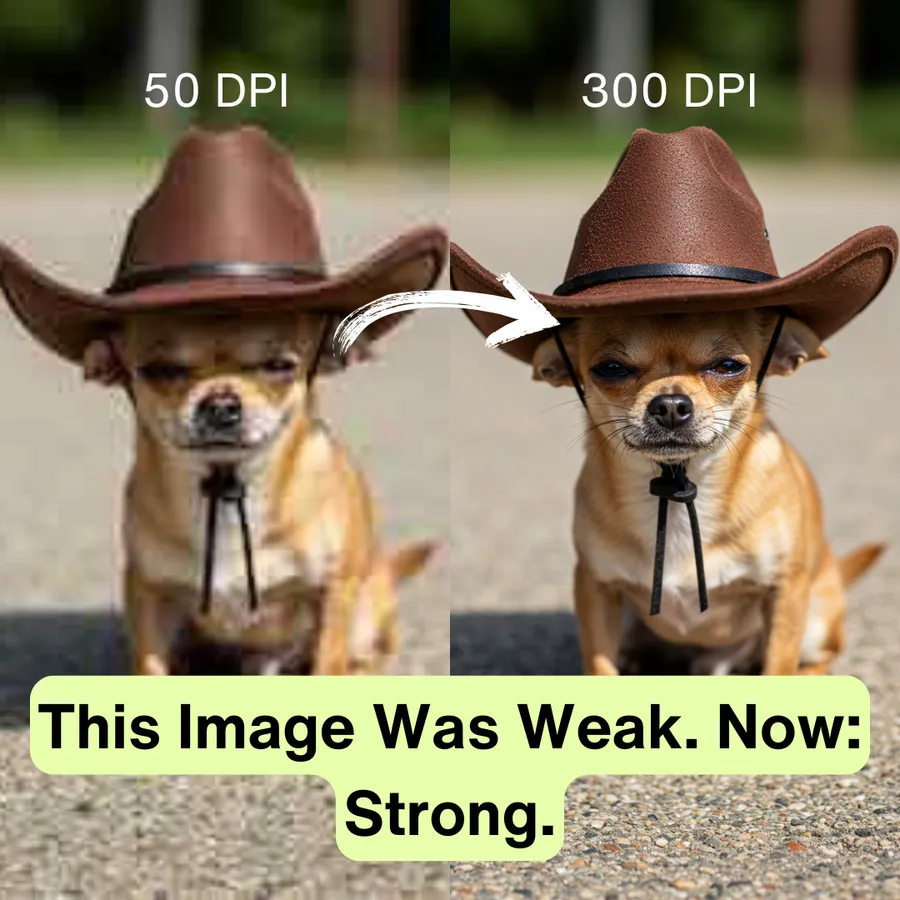
Pictures: Let’s Enhance promotional examples, from its partner media kit.
Got one photo that looks too soft on screen?
Start with the free credits Let’s Enhance gives new accounts. Upscale that one picture, then compare it with the original at full size before you pay for anything.
Paid link: if you sign up through it, the company pays me a commission. You pay the same. How this site is funded.
How Let’s Enhance works
-
Upload
Drop in a JPG, PNG or WebP. Let’s Enhance lists an input limit of 64 megapixels or 50 MB.
-
Choose a mode
Pick how much the AI may change: a gentle mode for photos with writing, an old-photo mode for noisy scans, or a stronger enhancer.
-
Pick the size
Up to 16 times larger, within your plan’s output limit. One image costs one credit.
-
Download and compare
Save the result and put it next to the original at full size before it goes in your film.
Let’s Enhance is a browser tool for improving a photo you already have. Its home page describes three main jobs: an enhancer to improve quality, recover detail and fix colour; an upscaler that raises the resolution up to 16 times, to as much as 512 megapixels; and a restorer for damaged photos. The site also links a face enhancer, background removal, a sharpener, a denoiser and unblur.
Which mode for which photo
Let’s Enhance describes several upscaling modes. As it explains them:
- Old photo is for early digital or noisy photos. It smooths imperfections “with minimal risk of artifacts”. This is the one to start with for a scanned print.
- Image with text is a gentle upscale that keeps small text intact. Use it when a birthday card, a menu or a shop sign is in the frame.
- Smart enhance gives a bigger boost to nature, buildings and food. Let’s Enhance says it “may creatively alter some fine details”.
- Digital art is for illustrations, paintings and AI-made images. At 0% Creativity it is meant to leave the artwork as it is.
- Magic is its most transformative mode, guided by a text description. It isn’t the one for a face that has to stay the same person.
It also lists Light AI, which balances colour and fixes lighting, and background removal. Mode names can change, so check the app.
Where it fits in a photo-to-video project
Before the timeline. The usual reason a photo looks poor in a video is that it is small. A scan of a 6 x 4 print, or a photo saved from a message years ago, can look fine on a phone and soft on a television. An upscaler is the step that makes that one picture big enough. Then the film is built in an editor: CapCut is the free editor I would open for a folder of photos, and the method for a tribute is in the memorial guide.
A face that is blurred. Its Face Enhancer page says it sharpens every face it detects, including faces in the background of a group photo, and fixes the low resolution common in old, scanned portraits. For a memorial, let someone who knew the person look at the result next to the original before it goes on a screen. If the photograph is of someone else, you need the right to edit it.
One photo that moves. On paid plans, Image to Video turns one image into a 5-second clip at 720p, with sound, in the shape of your photo, as an MP4. You pick a preset or write a prompt. For a generated clip of a real photo with the prompt and the cost shown, see the Higgsfield review.
Plans in brief
One image is one credit. Personal plans come in 100, 300 and 500 credits a month, and unused credits carry over while you stay subscribed, up to six times the monthly allowance. Business plans come in 1,000, 2,500 and 5,000 credits a month. Output goes up to 256 megapixels on personal plans and 500 on business plans, from an input of up to 64 megapixels or 50 MB. You can pay by card or PayPal. Prices on sites like this are usually in US dollars, and a UK checkout can add VAT.
Getting the best from it
Start with one scan you care about and the free credits. Upscale it, then open the result and the original side by side at full size. Look at the eyes, the hands and any writing. If the face has changed, use the original scan; a slightly soft photo of the right person is better than a sharp photo of someone who looks almost like them.
Questions people ask
What is Let’s Enhance for?
Making an existing photo bigger and cleaner. Its home page lists an enhancer, an upscaler (up to 16 times, and up to 512 megapixels) and a restorer, and the site links a face enhancer, background removal, a denoiser and more. Its paid plans also add Image to Video, a 5-second clip from one photo.
Is Let’s Enhance free?
There is no free plan, but new accounts get free credits to try it. Results made with free credits carry a watermark until you buy a plan.
Can Let’s Enhance turn a photo into a video?
Yes, on paid plans. Its Image to Video feature turns one image into a 5-second, 720p MP4, from a preset or your own prompt.
Do you earn a commission from Let’s Enhance?
Only if the button on this page is labelled Ad and Affiliate link. Then Let’s Enhance pays me a commission if you buy through it, and you pay the same price. If the button just says Visit, it is an ordinary link to their site and I earn nothing from it. Either way, it doesn’t change what this page says.